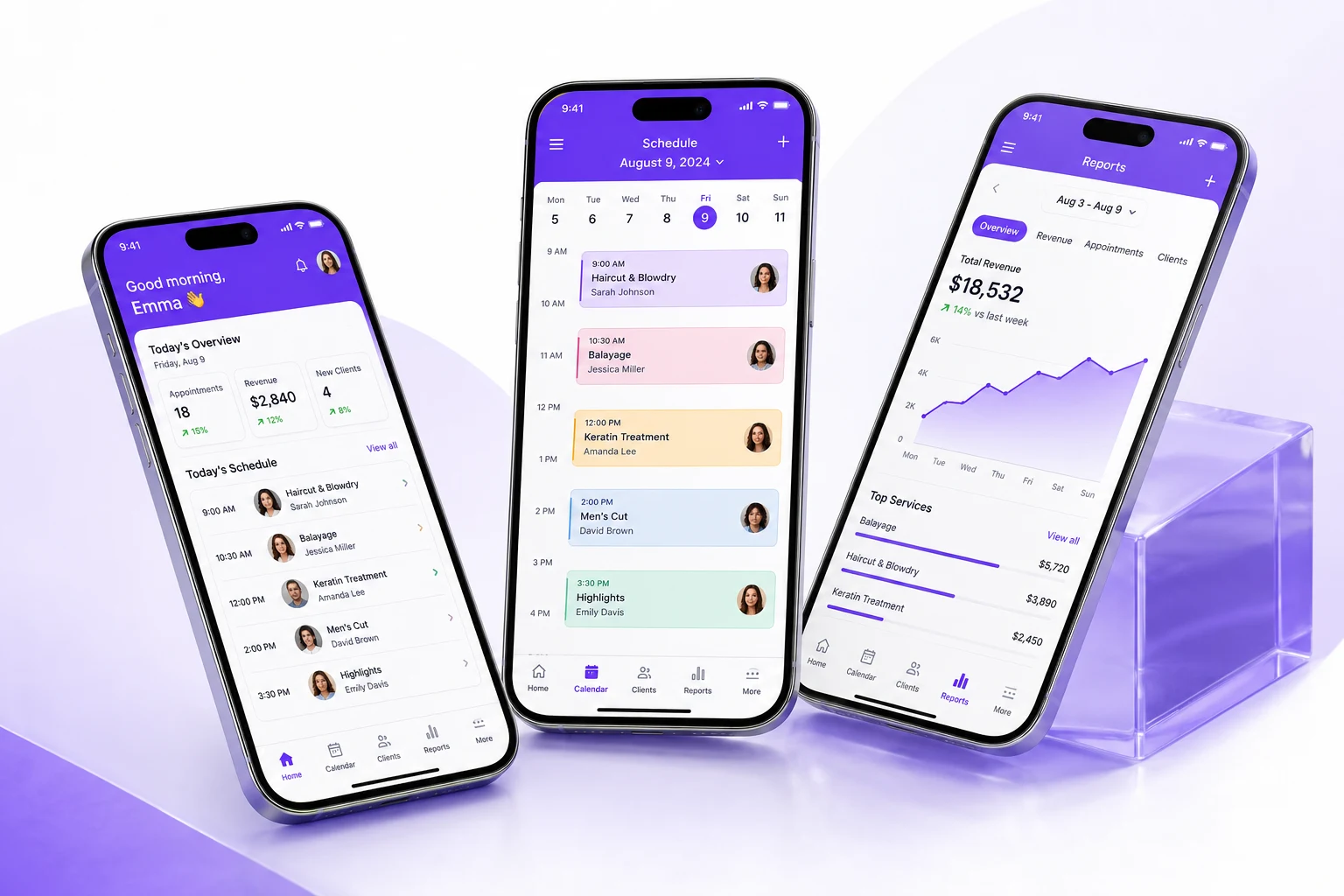
Your front desk closes at 7 PM. Your business doesn’t.
A client wants to rebook while she’s still in the chair. A stylist wants to check tomorrow’s schedule from her couch. You want to know today’s revenue while you’re picking up your kids.
None of that should require sitting down at a desktop computer.
PandaCue’s mobile app put your calendar, client records, payments, and reports on the phone that’s already in your pocket.
Owners, managers, staff, and clients each get an app built for what they actually need to do not a shrunken version of desktop software that’s hard to tap through.
Why Mobile Access Matters for Salons
Salon work doesn’t happen behind a desk. Stylists move between stations. Estheticians step in and out of treatment rooms. Owners split time between the front desk, the back office, and home.
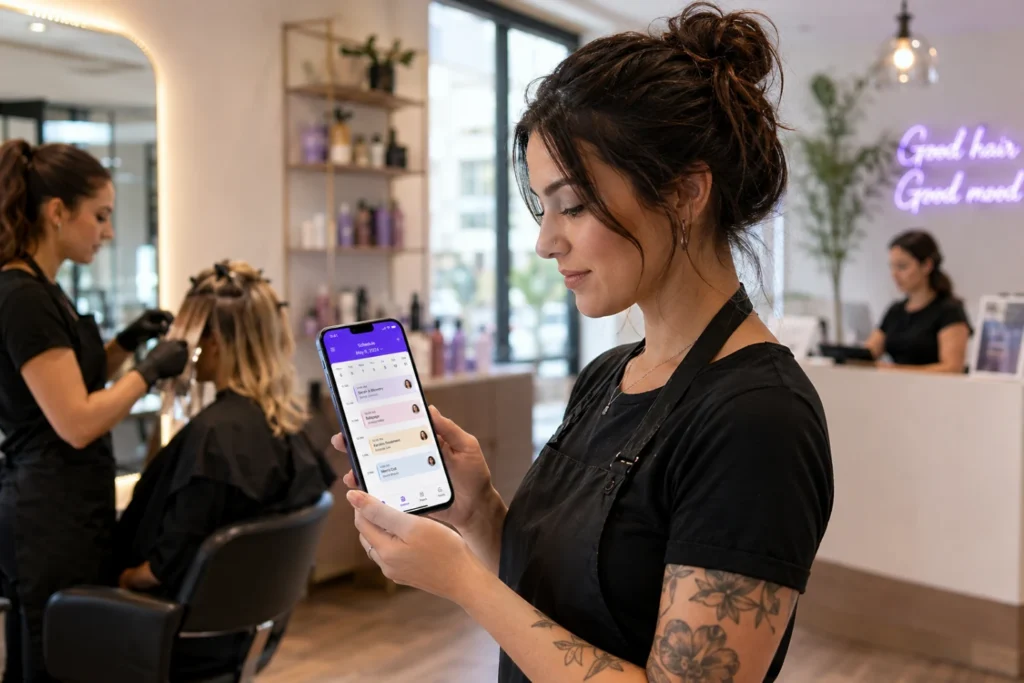
If your scheduling and client data only live on one computer at the front desk, everyone else is stuck waiting for information or making decisions blind.
A stylist can’t confirm an opening without walking to the desk. A manager can’t approve a late cancellation from home without calling someone in.
Mobile access removes that bottleneck. Whoever needs the information can pull it up wherever they are, without interrupting someone else’s work.
What PandaCue’s Mobile App Actually Do
PandaCue offers separate mobile experiences depending on who’s using them: business owners and managers, staff members, and clients.
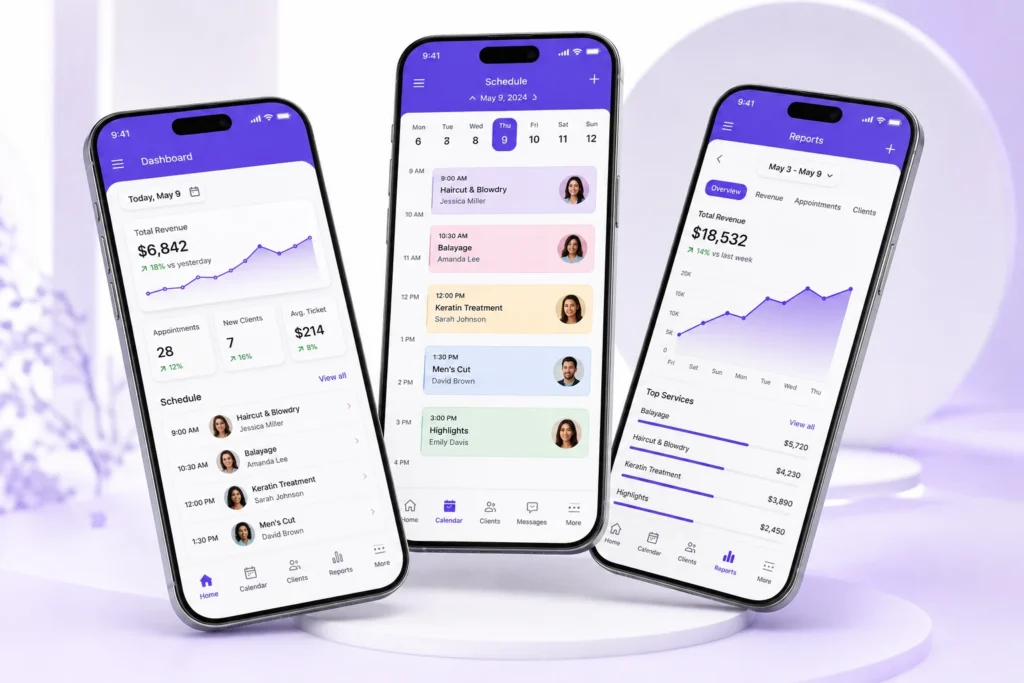
For Owners and Managers
You can check the day’s schedule, review revenue, approve time-off requests, and message staff without opening a laptop.
If you manage more than one location, you can switch between them from the same app instead of logging into separate systems.
Real-time reporting means you’re not waiting until Monday morning to find out how the weekend went. You see it as it happens.
For Staff
Employees can view their own schedules, get notified of new bookings or cancellations, clock in and out, and pull up client history before a service starts. A colorist walking into a room can check a client’s last formula without asking the front desk to print it out.
This cuts down on the back-and-forth that slows a busy day down. Staff aren’t waiting on someone else to hand them information they could have looked up themselves.
For Clients
Clients get a simple way to book, reschedule, or cancel appointments, view their upcoming visits, and manage their payment method all without calling in. For a busy salon, that means fewer phone calls tying up your front desk during peak hours.
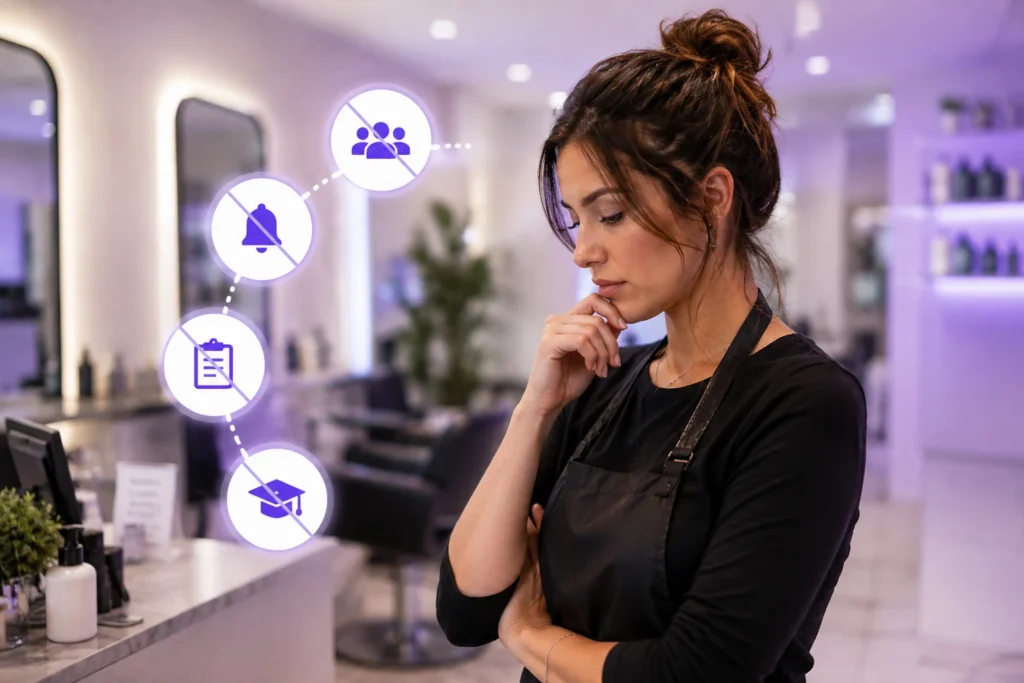
Common Mistakes Salons Make With Mobile Access
Giving everyone the same login
When staff share one generic account, you lose the ability to track who did what, and permissions get messy fast. Each person needs their own login tied to their role.
Ignoring app notifications
A missed push notification about a same-day cancellation is a wasted appointment slot. Staff need to actually have notifications turned on, not just the app installed.
Treating the mobile app as a backup
Some salons still print the schedule every morning “just in case.” If your team defaults to paper instead of the app, you’re not actually using mobile access you’re duplicating work.
Not training new hires on it
A new stylist who doesn’t know how to check their schedule or clock in on the app will keep asking someone else to do it for them. A five-minute walkthrough on day one saves weeks of confusion.
How to Get the Most Out of a Mobile Salon App
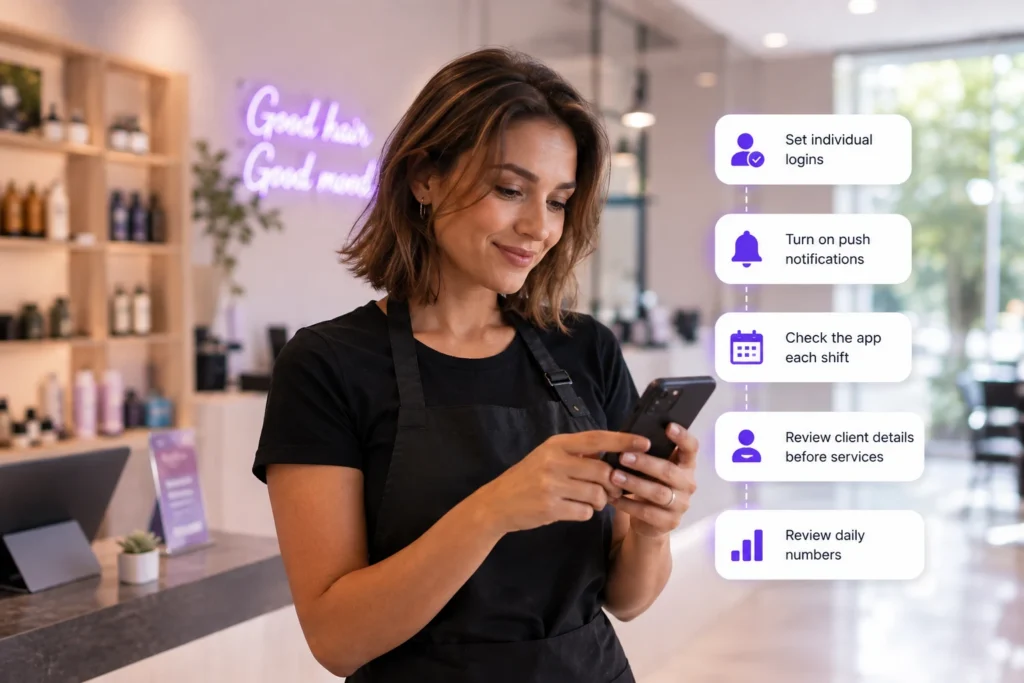
- Set individual logins for every team member, tied to their specific role and permissions.
- Turn on push notifications for new bookings, cancellations, and schedule changes.
- Check the app at the start of each shift, not just when something goes wrong.
- Use it to confirm client details before a service — allergies, product preferences, past notes — instead of relying on memory.
- Review daily numbers from the manager app instead of waiting for an end-of-week report.
Where Mobile App Fit Into Your Bigger Systems
Mobile app work best when they’re connected to the rest of your business, not sitting as a separate tool.
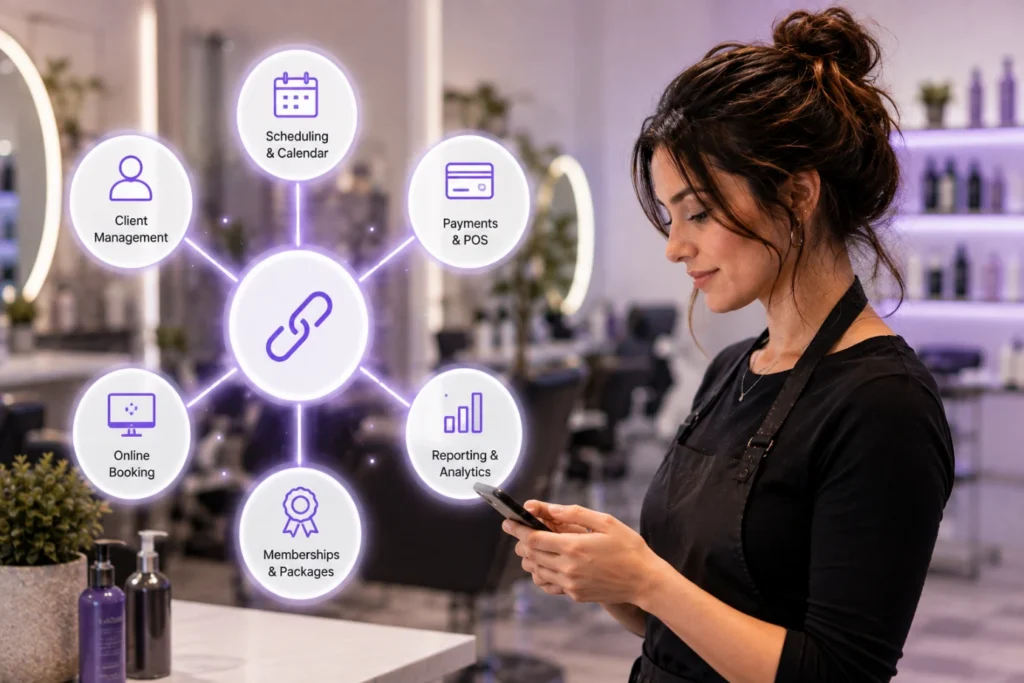
Your scheduling and calendar, client management records, and payments and point of sale should all update in real time, whether someone’s on a phone or a desktop.
PandaCue builds mobile access directly into the same system that runs your online booking, memberships, and reporting.
Nothing needs to sync separately or get re-entered later, so a booking made on a client’s phone shows up instantly on a stylist’s app.
FAQs
Do staff need to download a separate app for each feature?
No. With PandaCue, staff use one app to check schedules, view client details, and manage time tracking. There’s no need to juggle multiple logins or app for different tasks.
Can clients book appointments through the mobile app?
Yes. Clients can book, reschedule, or cancel directly from their phone, which cuts down on calls to your front desk during busy hours.
Does the mobile app work for multi-location salons?
Yes. Owners and managers can switch between locations inside the same app instead of logging into separate accounts for each one.
Can staff see client history on their phones before a service?
Yes. Staff can pull up past visits, product preferences, and notes right from the app, so they’re prepared before the client sits down.
Is data on the mobile app updated in real time?
Yes. Bookings, cancellations, and payments sync immediately across the app and your desktop system, so everyone’s looking at the same information.
Do I need a tablet at the front desk if my team uses the mobile app?
Not necessarily, though many salons keep one for walk-ins and checkout. The mobile app can handle most day-to-day tasks on its own.
Final Words
Running a salon from a single desktop is a habit left over from a time when that was the only option. It isn’t anymore.
Whether you’re checking tomorrow’s schedule from your couch or approving a payment between clients, mobile access means the software works around your day, not the other way around.
Leave a Reply