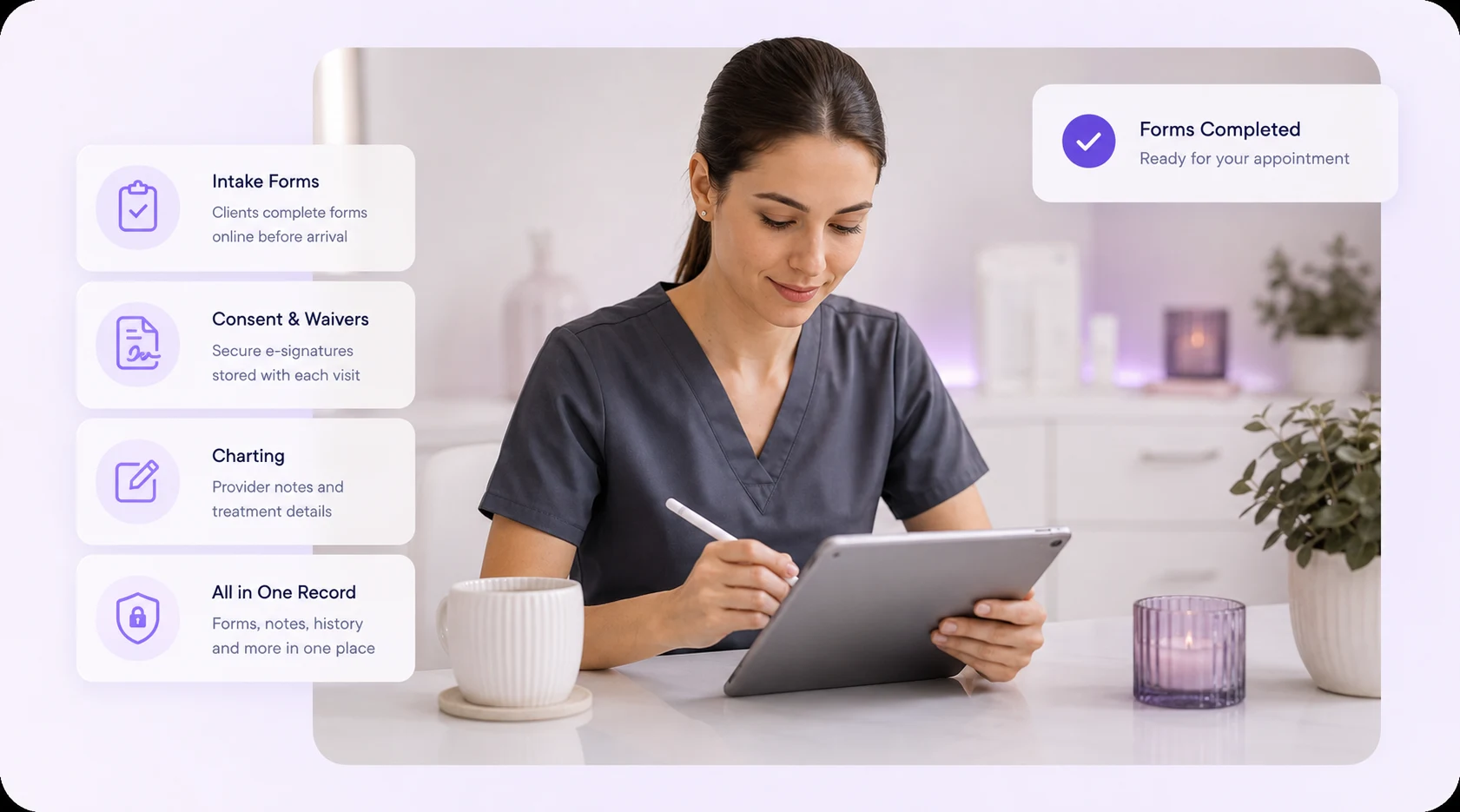
Forms & Charting is the part of PandaCue where clients fill out intake and consent forms online, and your team records what happened during each visit.
It replaces the clipboard at your front desk and the loose notes in a client’s file. Everything lives in one digital record tied to that client’s profile.
If you run a salon, spa, or med spa, you already know the problem. Clients fill out the same health history every time they visit a new location. Staff can’t read old handwriting.
A consent form goes missing right when you need it for a liability question. Forms & Charting fixes all three.
What Counts as a “Form” in a Salon or Spa Setting?
A form is any document a client fills out or signs before, during, or after a service.
This includes intake questionnaires, health history sheets, consent and waiver forms, photo release agreements, and post-care instructions.
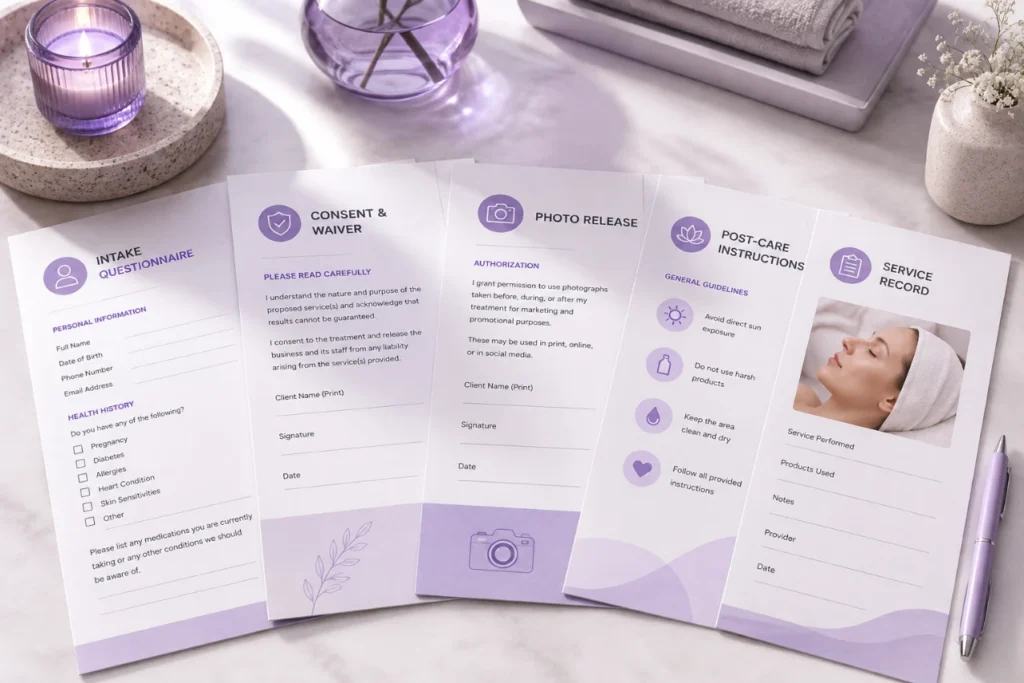
In a med spa, forms often carry more weight. A Botox consent form or a chemical peel waiver protects the business if something goes wrong.
In a hair or nail salon, forms are usually shorter but still matter for allergy disclosures and patch test records.
What Is Charting, and Why Does It Apply Beyond Med Spas?
Charting is the written record of what a provider actually did during an appointment. It answers a simple question: what happened, and what was used to make it happen?
For a med spa, that might mean the units of neurotoxin injected, the lot number, the injection sites, and any reaction noted afterward.
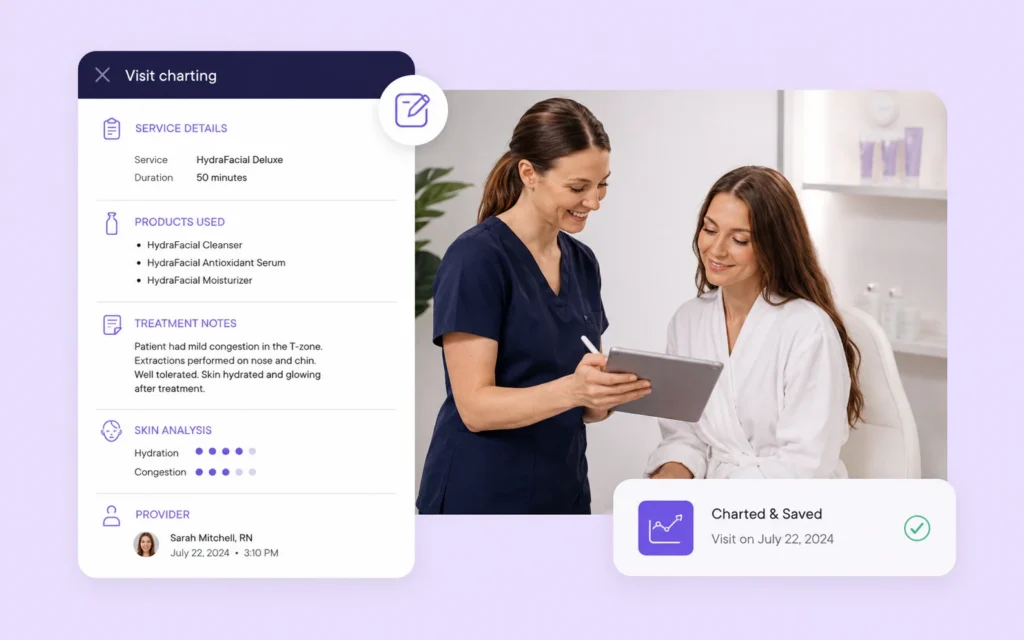
For a spa, it might be the peel strength used on a facial or the pressure level in a massage.
For a salon, it could be the exact color formula mixed for a client’s hair.
Charting isn’t only a medical requirement. It’s how any business avoids repeating a mistake or forgetting what worked. A stylist who charts a color formula saves 20 minutes on the next visit.
A med spa that charts injection sites protects both the client and the practice.
Why Paper Forms and Notebooks Cause Real Problems
Paper breaks down in three predictable ways.
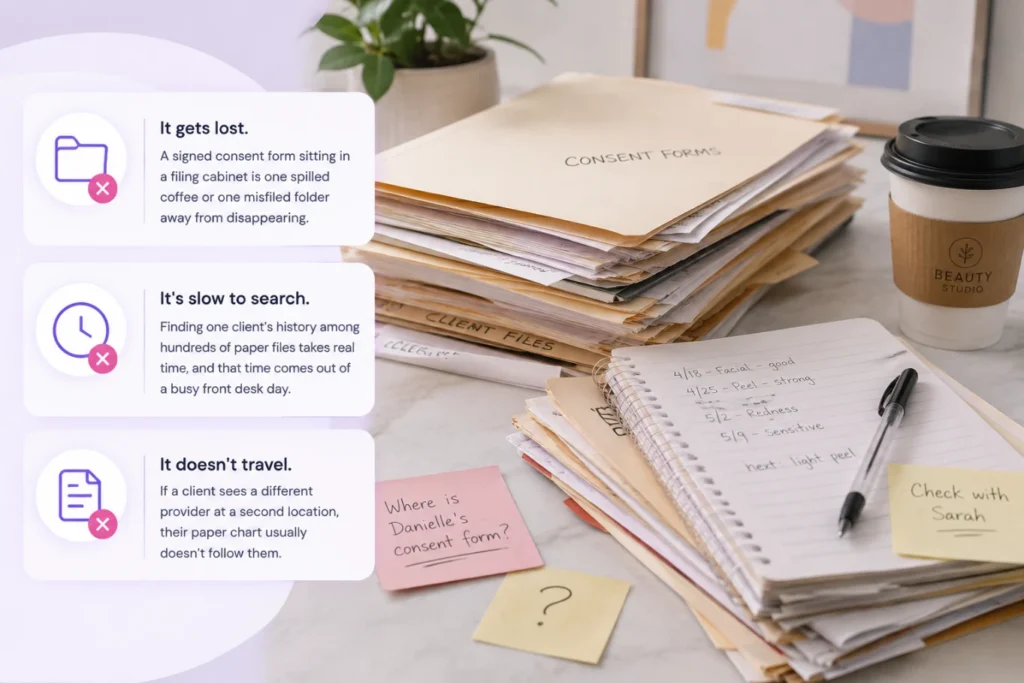
- It gets lost. A signed consent form sitting in a filing cabinet is one spilled coffee or one misfiled folder away from disappearing.
- It’s slow to search. Finding one client’s history among hundreds of paper files takes real time, and that time comes out of a busy front desk day.
- It doesn’t travel. If a client sees a different provider at a second location, their paper chart usually doesn’t follow them.
None of these are dramatic failures on their own. They just add friction, appointment after appointment, until someone finally asks why the front desk is buried in paperwork.
How PandaCue Handles Forms & Charting
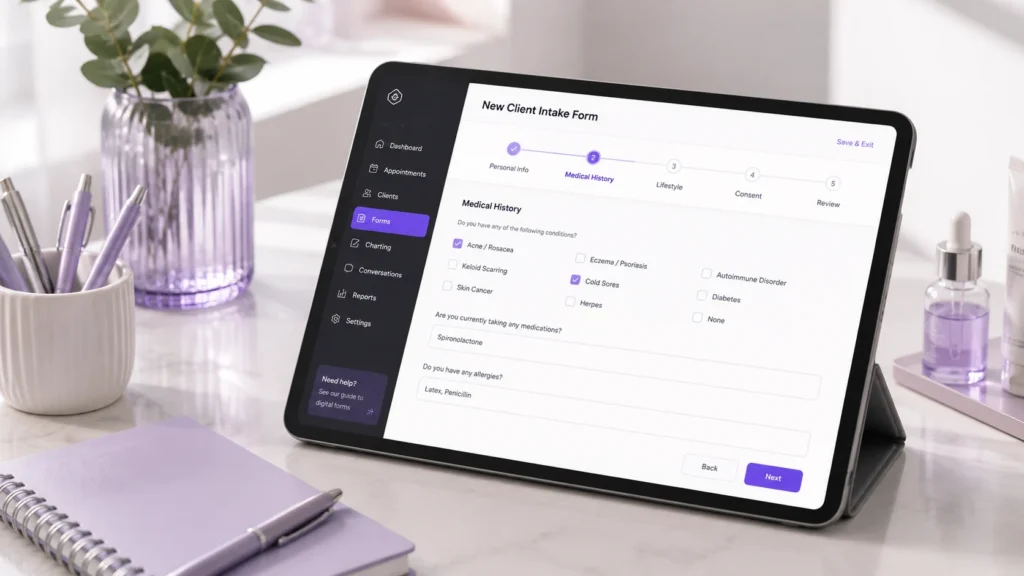
PandaCue lets clients fill out intake and consent forms online before they arrive, so the form is already attached to their profile by the time they sit in the chair.
Staff can build custom forms for different service types, and each signed form stays linked to the exact appointment it belongs to.
For charting, providers add notes directly to the client’s record after a service.
That note stays in the same place as their booking history, payment history, and past forms, so anyone on the team can pull up a full picture of a client in seconds instead of digging through paper.
Setting Up Digital Forms and Charting: A Simple Walkthrough
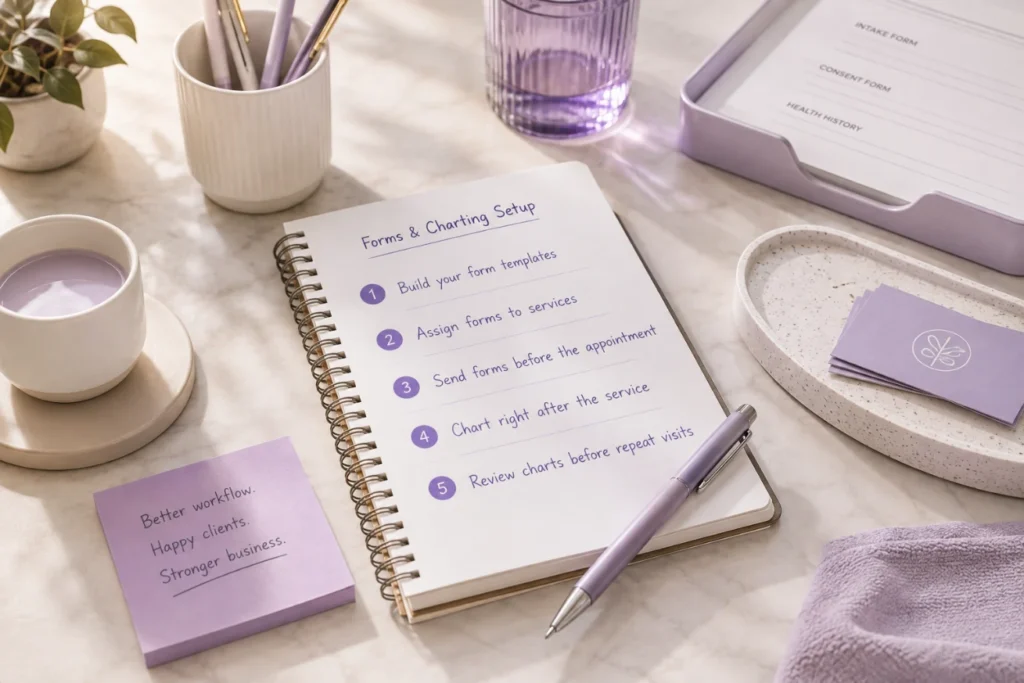
- Build your form templates. Start with the forms you use most: general intake, consent for your highest-risk service, and a basic health history.
- Assign forms to specific services. A Botox consultation and a manicure don’t need the same paperwork. Match the form to the service.
- Send forms before the appointment. Clients fill them out on their phone before they walk in, which cuts front desk wait time.
- Chart right after the service. Providers log what was done while the details are still fresh, not at the end of a long shift.
- Review charts before repeat visits. A quick look at the last note tells a provider what worked and what to avoid.
HIPAA and Compliance Considerations for Med Spas
Med spas that perform injectables, laser treatments, or other medical-adjacent services should treat client charts the way a medical office does.
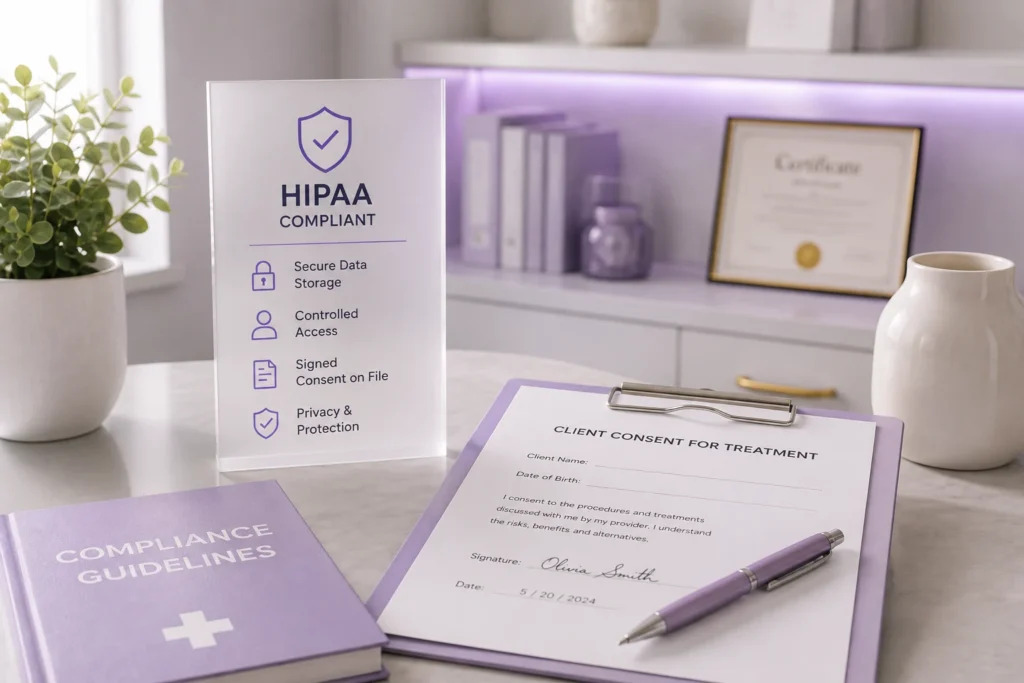
That means secure storage, controlled staff access, and a clear signed consent on file before any treatment.
Salons and day spas usually don’t fall under HIPAA, but storing client health notes securely is still good practice.
A client who discloses an allergy or a skin condition deserves to know that information is protected, not sitting in an unlocked drawer.
FAQs
Do all salons need digital consent forms, or is this only for med spas?
Any business performing a service with risk, like chemical treatments, waxing, or injectables, benefits from a signed consent form. It protects both the client and the business if a reaction happens.
How long should a treatment chart note be?
Long enough to answer “what did we use and what happened.” A few sentences with product names, settings, and any client reaction is usually enough.
Can clients fill out forms on their phone before arriving?
Yes. Digital forms sent ahead of time let clients complete paperwork from home, which shortens the check-in process at the front desk.
What happens if a client doesn’t finish their form before the appointment?
Most digital form systems flag incomplete forms so front desk staff can prompt the client to finish before their service starts.
Do digital charts replace the need for provider judgment?
No. Charts record what happened, but a provider still needs training and judgment to decide what’s safe for each client. Charts just make that decision easier the next time.
Is charting only useful for legal protection?
Legal protection is one reason, but the bigger daily benefit is consistency. Providers repeat what worked and avoid what didn’t, without relying on memory.
Getting Started
Paper forms and handwritten notes were never built to keep up with a growing salon, spa, or med spa. Every client visit that gets recorded properly today saves your team time on every visit after it.
If you’re ready to see how digital Forms & Charting fits into the rest of your business, from scheduling to client management, PandaCue’s team can walk you through it.
Leave a Reply