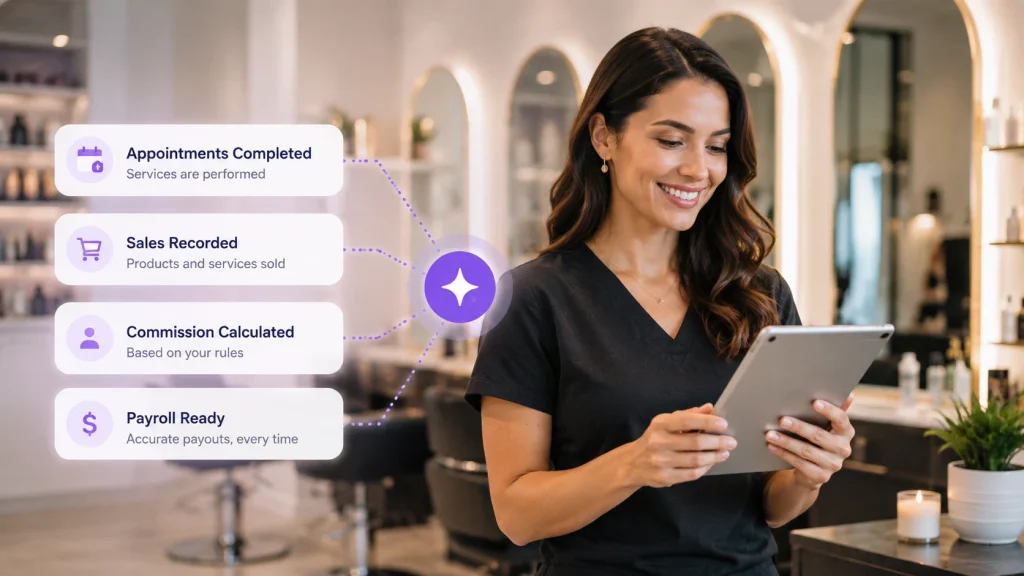
Blog

  • How PandaCue Works for Barber Shops

    PandaCue runs a barbershop’s booking, payouts, and client memory from one system built around fast, short appointments instead of long consultations.

    It separates commission barbers from chair renters on the same calendar, splits tips and retail sales into payroll automatically, and remembers each regular’s usual cut so any barber can pick up where the last one left off.

    How the Calendar Handles Chairs, Renters, and Walk-Ins

    Barbershop scheduling isn’t one calendar. It’s several calendars sharing a room. Some barbers are employees. Some rent their chair and run their own client list.

    PandaCue’s Calendar & Scheduling gives each barber their own column inside the shop’s main view, color-coded by person, so a renter’s bookings never mix with a commission barber’s.

    Appointment slots default to short blocks that match a 20 to 30 minute cut instead of the hour-long consultation windows most booking software assumes.

    Walk-ins get dropped into open gaps between booked appointments in real time, so the front desk, or the barber who answers the phone, can see exactly which chairs are free without flipping through separate books.

    How Online Booking Assigns the Right Barber

    When a shop has no dedicated receptionist, missed calls turn into missed appointments. PandaCue’s Online Booking lets a client book from their phone and land directly on the calendar, no call needed.

    If a client always sees the same barber, PandaCue remembers that pairing and routes the booking to them by default instead of the first open slot.

    A client who’s flexible on barber can be shown every open chair across the shop instead of just one.

    How Staff Management Separates Commission from Chair Rental

    This is the part barbershops get wrong on a spreadsheet. Commission barbers earn a percentage of what they bring in. Renters pay a flat fee for the chair and keep the rest.

    Blending both into one payroll formula is where shops lose track of who owes what.

    PandaCue’s Staff Management lets you set a commission rate per barber or flag a barber as a renter billed separately on a set schedule.

    Payroll Processing then calculates each barber’s payout from the services and retail they actually sold that period, so nobody’s running the math by hand on a Friday.

    How Payments and POS Handle Tips at Checkout

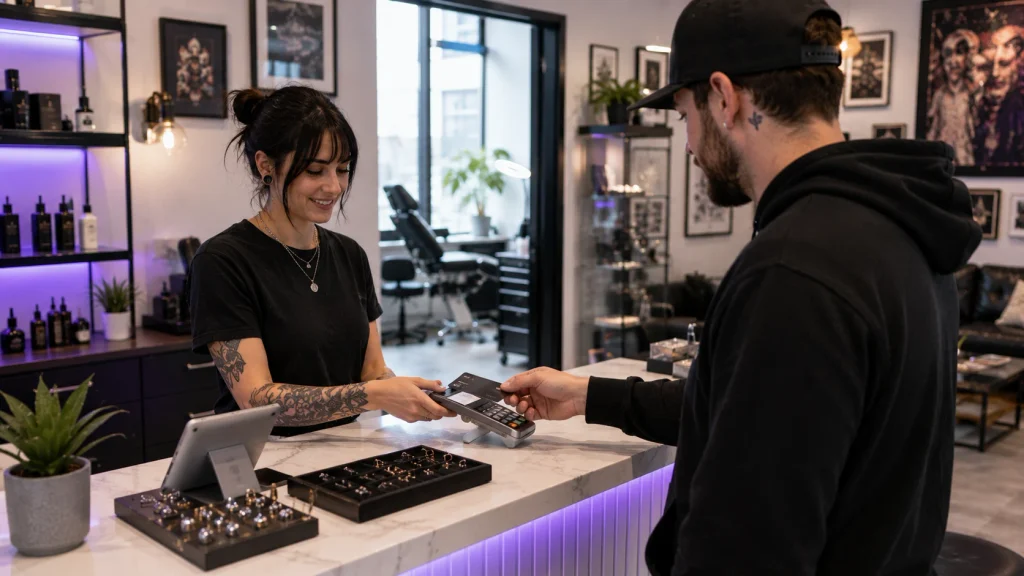
    PandaCue’s Payments & POS processes card, tap, and cash through the same screen a barber checks a client out on.

    Tipping is built into that checkout step, and the tip amount is tagged to whichever barber did the service.

    That tip total feeds straight into payroll instead of sitting in a jar someone has to count and divide later.

    For shops that split tips evenly across the day, PandaCue can total the pooled amount and divide it across the barbers who worked that shift.

    How Client Management Remembers a Regular’s Cut

    A shop’s best asset is a barber remembering that a client wants a number two on the sides and scissor work on top, no clippers near the ears.

    PandaCue’s Client Management stores that detail against the client’s profile, along with their usual products and how often they come in.

    If a regular’s usual barber is out sick, whoever takes the chair can pull up the same notes instead of starting from scratch.

    The system also flags clients who haven’t booked in longer than their normal cycle, which is the easiest list to work when a shop wants to fill a slow week.

    How Automated Flows and Campaigns Fill Slow Days

    Automated Flows sends a text when a client is due for their next cut based on their own booking pattern, not a fixed calendar reminder that ignores how often they actually come in.

    Campaigns handles shop-wide pushes, like a kids’-cuts promo before school starts, sent to a client list PandaCue already has segmented by service history.

    Neither one needs a person running it day to day. They’re built once inside PandaCue and keep working in the background.

    How Retail and Inventory Ties Product Sales to Payroll

    Pomade and beard oil sell fast at checkout, but only if the shelf isn’t empty.

    PandaCue’s Retail & Inventory tracks stock as each item sells, so reordering isn’t a guess.

    Retail sales made at checkout are credited to the barber who sold them and folded into their commission total automatically, the same way a service sale is.

    FAQs

    Can PandaCue tell the difference between a commission barber and a chair renter?

    Yes. Staff Management lets you set a commission percentage for one barber and flag another as a renter billed on a separate schedule, inside the same shop account.

    Does PandaCue handle walk-ins alongside online bookings?

    Yes. Walk-ins fill open gaps on the live calendar the same way an online booking would, so the schedule stays accurate in real time.

    How does PandaCue track tips per barber?

    Tips are entered at checkout and tagged to the barber who performed the service, then rolled into that barber’s payroll total automatically.

    Can PandaCue send reminders based on how often a client actually comes in?

    Yes. Automated Flows uses each client’s own booking pattern rather than a fixed reminder schedule that’s the same for everyone.

    Does PandaCue work for a one-chair barbershop?

    Yes. A solo barber gets the same booking, payment, and client tools as a multi-chair shop, scaled to a single calendar.

    Can retail sales count toward a barber’s commission?

    Yes. Retail and Inventory ties product sales made at checkout into the same commission calculation as service sales.

    Closing Thought

    A barbershop needs software that keeps pace with short appointments, fair payouts across different pay structures, and a memory for regulars that doesn’t depend on one barber being in the chair.

    That’s what PandaCue is built to run.
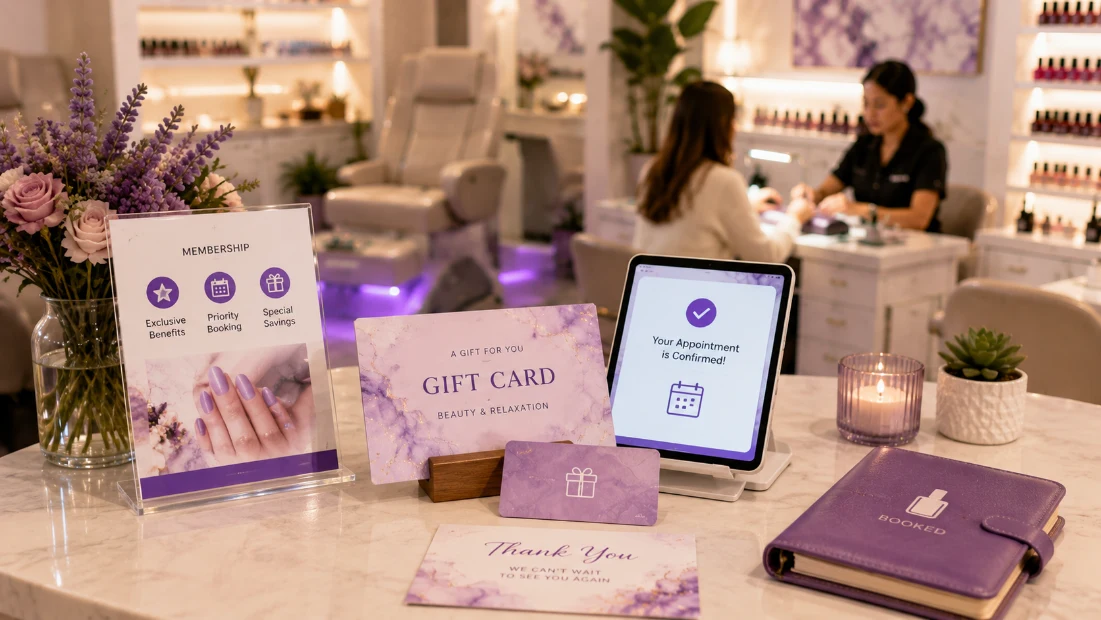
  • Nail Salon Software That Handles Walk-In Chaos

    Nail Salon Software That Handles Walk-In Chaos

    A nail salon runs on a different clock than most beauty businesses. Services are short. Walk-ins outnumber appointments on a lot of days.

    And one tech might do six different services before lunch.

    PandaCue is built to handle that pace matching walk-ins to open chairs, splitting tickets across techs, and keeping polish and gel stock from running dry mid-service.

    Why Nail Salons Need Different Software Than Other Salons

    A hair salon books most of its day in advance. A nail salon doesn’t work that way.

    Why Nail Salons Need Different Software Than Other Salons

    Someone walks in for a fill, another client wants a last-minute pedicure before a flight, and a regular shows up ten minutes early hoping her tech is free.

    Software built for appointment-heavy businesses struggles here. It assumes every guest is scheduled.

    Nail salons need a system that treats walk-ins as a normal part of the day, not an exception to work around.

    Managing the Walk-In Rush Without a Waitlist Notebook

    Most nail salons still track walk-ins on a clipboard or a whiteboard by the door. It works until a Saturday rush hits and three people are waiting with no clear order.

    Managing the Walk-In Rush Without a Waitlist Notebook

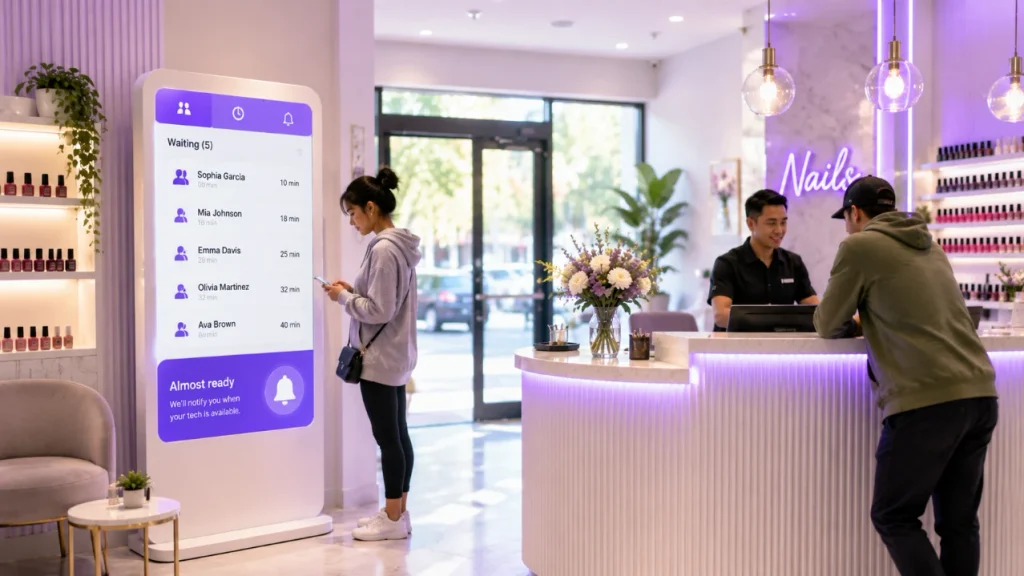
    PandaCue’s Virtual Waiting Room replaces the clipboard.

    Clients can join the queue from their phone or in person, see roughly how long the wait is, and get notified when their tech is ready.

    Your front desk isn’t stuck repeating “about twenty more minutes” all afternoon.

    Online Booking works alongside the waiting room instead of against it. Clients who want to plan ahead can book a set, and walk-ins can still be slotted into open chairs as they free up.

    Your schedule reflects what’s actually happening on the floor, not just what was booked a week ago.

    Keeping Chairs Full Without Overbooking Techs

    Chair time is the real inventory in a nail salon. A tech sitting idle for twenty minutes between clients is lost revenue.

    A tech double-booked during a gel removal is a client who leaves annoyed.

    Keeping Chairs Full Without Overbooking Techs

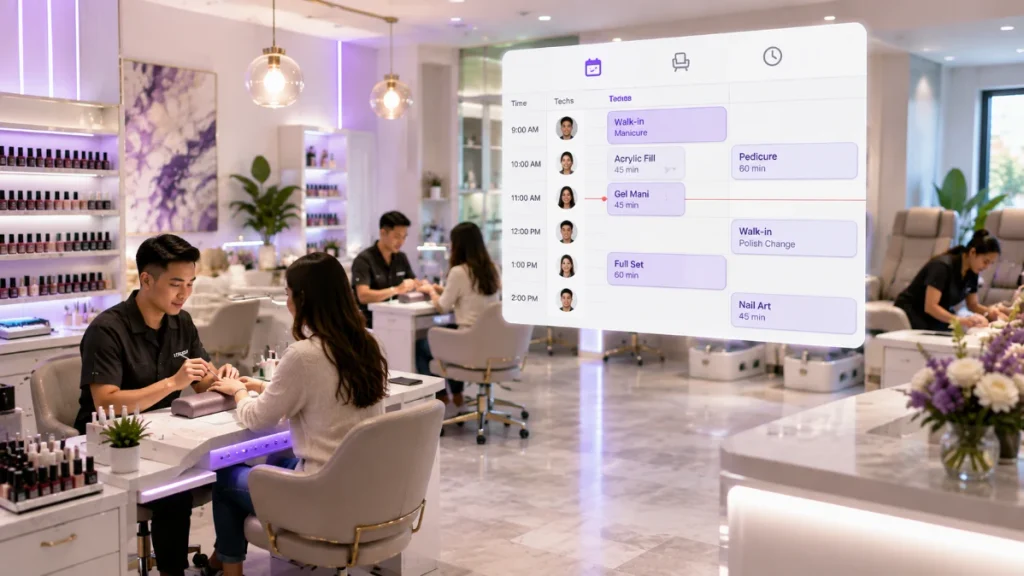
    PandaCue’s Calendar & Scheduling tracks actual service length, not just a generic appointment slot, so a full set and a quick polish change don’t get treated the same way.

    Techs see their day on the PandaCue mobile app, so they know who’s next without walking back to the front desk every ten minutes.

    Multi-Location tools matter here too if you run more than one shop.

    Owners can see chair utilization across every location from one dashboard instead of calling each manager for a headcount.

    Getting Every Tech Paid Correctly, Every Time

    Nail salons often run on a mix of commission, booth rent, and tips split across cash and card. Getting this wrong even once is how you lose good techs.

    Getting Every Tech Paid Correctly, Every Time

    PandaCue’s Payments & POS splits a single ticket across multiple techs when more than one person worked on a client, and records tips by the tech who earned them, not just the ticket total.

    Payroll Processing pulls that data straight into commission calculations, so nobody’s manually reconciling a shoebox of receipts at the end of the week.

    A tech who feels shorted on tips, even by accident, doesn’t stick around long.

    Getting payout math right, consistently, is part of keeping your best people.

    Keeping Gel, Tips, and Polish From Running Out Mid-Service

    Few things stall a busy Saturday like a tech realizing mid-fill that the shop is out of a specific gel shade.

    Keeping Gel, Tips, and Polish From Running Out Mid-Service

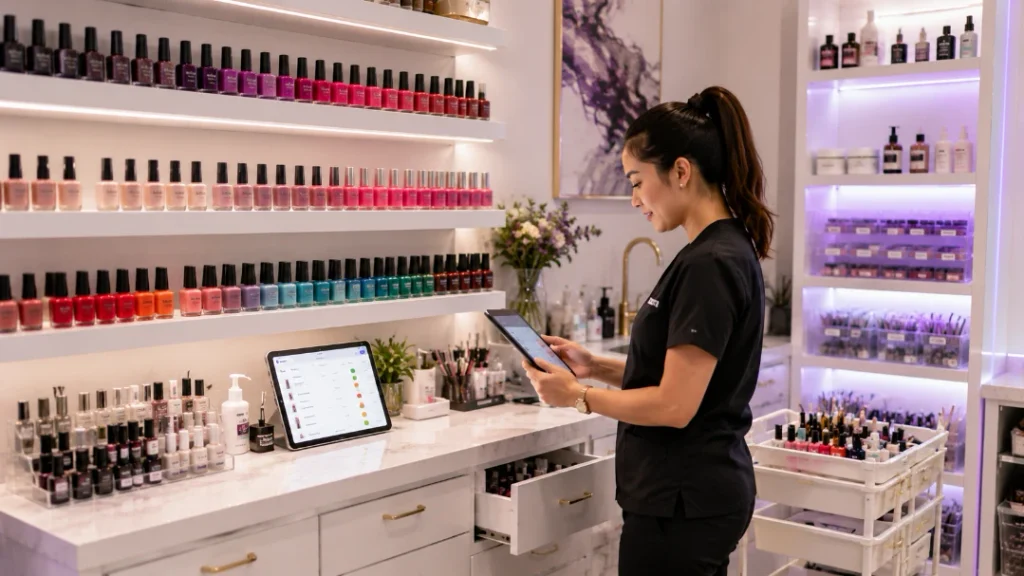
    Retail & Inventory tracks stock by product and by location, so low supply gets flagged before it becomes a problem in the middle of a service.

    The same tool tracks retail sale-through top coats, cuticle oil, whatever you sell at the counter so you know what’s actually moving instead of guessing at your next order.

    Turning One-Time Visits Into Regulars

    A lot of nail salon revenue comes from repeat visits every two to three weeks.

    The salons that grow are the ones that make rebooking automatic instead of hoping clients remember on their own.

    Turning One-Time Visits Into Regulars

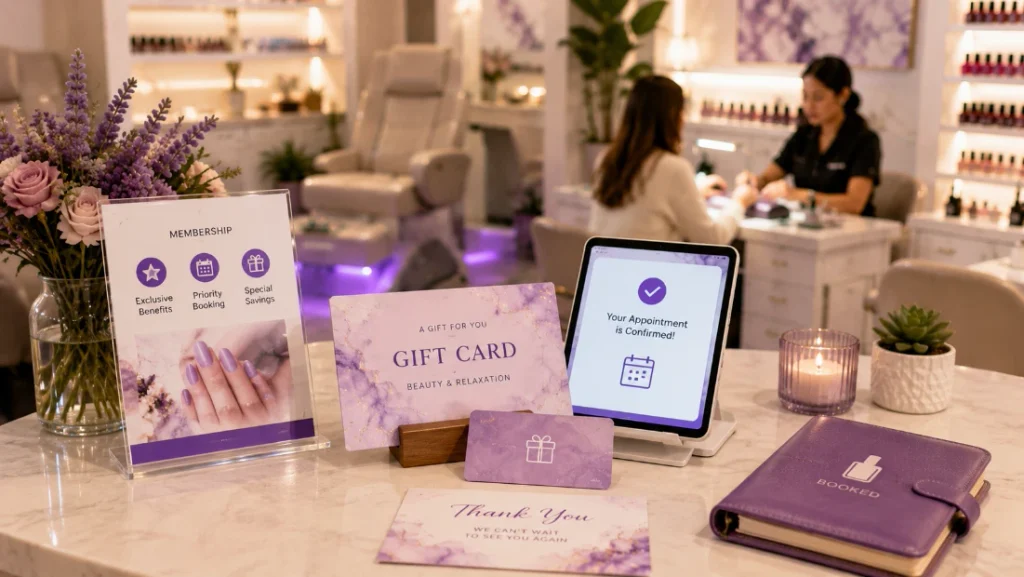
    Memberships & Packages let you sell a bundle of fills or pedicures upfront, which gives clients a reason to return to the same shop instead of trying wherever’s convenient that week.

    Gift Cards bring in new clients around holidays and birthdays without any extra marketing spend.

    Automated Flows can send a rebooking reminder a few weeks after a visit, timed to when most clients are due for a fill no one on staff has to remember to send it.

    Getting Started

    Start with the two areas causing the most daily friction: walk-in management and payout accuracy.

    Most nail salons feel the difference within the first few busy weekends, once the front desk isn’t juggling a clipboard and a calculator at the same time.

    If you’re weighing a system for your shop, ask a vendor to walk you through a live walk-in scenario, not just a scheduled-appointment demo that’s where most software built for salons actually falls short for nail-specific workflows.

    FAQs

    Can nail salon software handle walk-ins, not just appointments?

    Yes, if it’s built for that. PandaCue’s Virtual Waiting Room queues walk-ins separately from scheduled appointments so front desk staff aren’t tracking both on paper.

    How does the software split pay when two techs work on one client?

    PandaCue lets you split a single ticket across multiple techs, recording each person’s portion of the service and tip before it flows into payroll.

    Can I track gel polish and tip inventory by shade or brand?

    Yes. Retail & Inventory tracks stock at the product level, so you get a low-stock alert before a specific shade runs out mid-shift.

    Does the system work for a nail salon with more than one location? Yes. Multi-Location tools show chair activity, staff schedules, and inventory across every shop from a single dashboard.

    How do memberships work for a business with short, frequent visits?

    Memberships & Packages can bundle a set number of fills or pedicures for a flat price, giving clients a reason to rebook at the same salon instead of shopping around.

    Is there a way to remind clients to rebook their next fill automatically?

    Yes. Automated Flows can send a rebooking message a set number of weeks after a visit, timed to typical nail growth and fill schedules.

  • Software Tattoo & Piercing Studios Actually Need

    Software Tattoo & Piercing Studios Actually Need

    A full-day tattoo sitting and a fifteen-minute lobe piercing don’t belong on the same kind of calendar entry. One needs hours blocked with buffer time before and after.

    The other needs to slot into a walk-in queue without throwing off the rest of the day.

    PandaCue’s scheduling tools let you set different time blocks per service and per artist, so a custom sleeve doesn’t get scheduled like a quick piercing.

    Each artist keeps their own calendar, and clients booking online only see real, current openings not a slot that got taken five minutes ago.

    For custom work, most shops don’t book a session without a deposit locked in.

    Online booking can require payment at the time of scheduling, which cuts down on the no-shows that hurt more when three hours of an artist’s day were reserved for one client.

    Collecting Consent, ID, and Health History Before Anyone Touches a Client

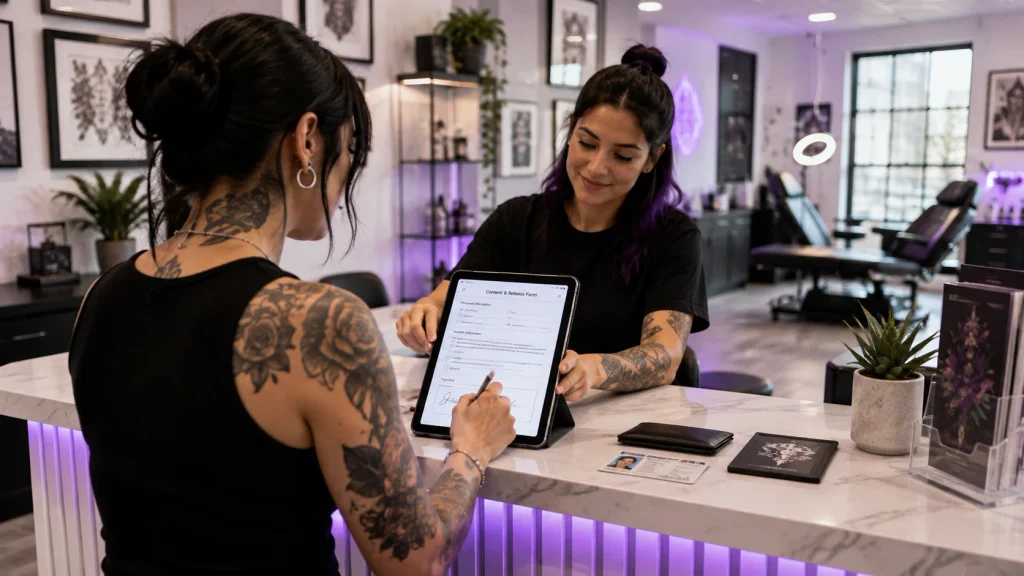
    Every tattoo and piercing needs signed consent. Every piercing on a minor needs a guardian’s signature and often ID verification.

    Health history allergies, skin conditions, medications that thin blood has to be on file before the artist starts, not filled out from memory afterward.

    Collecting Consent, ID, and Health History Before Anyone Touches a Client

    Paper forms get lost. They also don’t stop an artist from starting work before the form is actually signed.

    PandaCue’s digital forms require the client to complete and sign before their appointment shows as ready, so there’s no gap where someone gets tattooed without paperwork on file.

    Keeping a Real Record on Every Client, Not Just an Appointment History

    PandaCue’s client management profiles keep that history in one place.

    Keeping a Real Record on Every Client, Not Just an Appointment History

    An artist opening a returning client’s file before a touch-up can see the original design notes instead of guessing or asking the client to explain it again.

    This matters more in shops with several artists. A client who saw one piercer for their first piercing and books with someone else for a second one shouldn’t have to repeat their whole history.

    The record travels with the client, not just with the artist who wrote it down.

    Handling Deposits, Tips, and Split Payments Without a Mess

    There’s a deposit at booking, a balance due at the session, a tip that may or may not go through the same system, and sometimes a client splitting the cost of jewelry separately from the piercing fee.

    Handling Deposits, Tips, and Split Payments Without a Mess

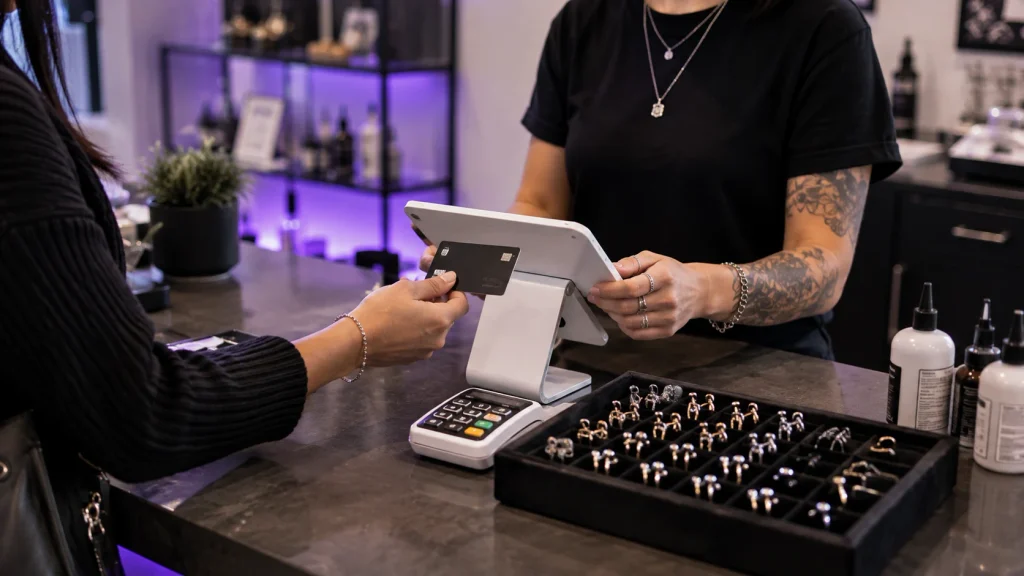
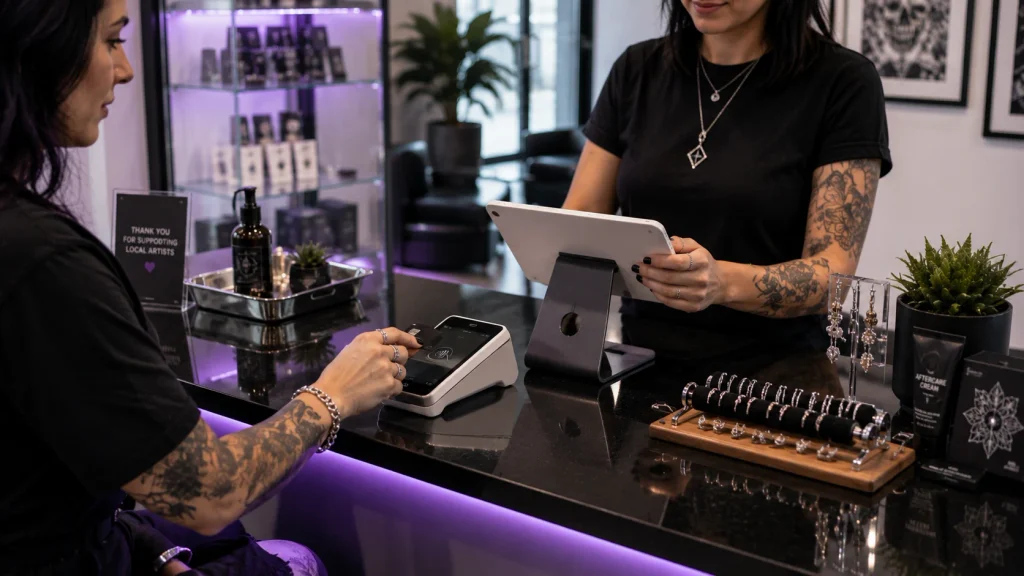
    PandaCue’s payments and POS tools handle deposits, balances, and tips in the same flow, so front desk staff aren’t reconciling three different totals by hand at closing.

    Retail items jewelry, aftercare products, merch ring up through the same system as the service, which keeps one register instead of a side cash box nobody tracks well.

    Paying Commission Artists and Booth Renters the Right Amount, On Time

    Most studios don’t pay every artist the same way. Some are on commission that varies by service type.

    Some rent a booth and owe the shop a flat fee regardless of what they earn that week. Getting this wrong, even by a little, is the fastest way to lose a good artist’s trust.

    Paying Commission Artists and Booth Renters the Right Amount, On Time

    Staff management in PandaCue tracks commission rates per artist and per service, so a piercer earning a different split than a tattoo artist doesn’t need a separate spreadsheet.

    Payroll pulls straight from completed appointments and sales, which means payday numbers match what actually happened on the floor not what someone remembers happening.

    Watching Ink, Needle, and Jewelry Stock So You’re Never Short Mid-Session

    Running out of a specific ink color or the right gauge jewelry mid-appointment is more than an inconvenience.

    Watching Ink, Needle, and Jewelry Stock So You're Never Short Mid-Session

    It can mean rescheduling a client who blocked off their whole afternoon, or an artist improvising with a substitute that isn’t what was agreed on.

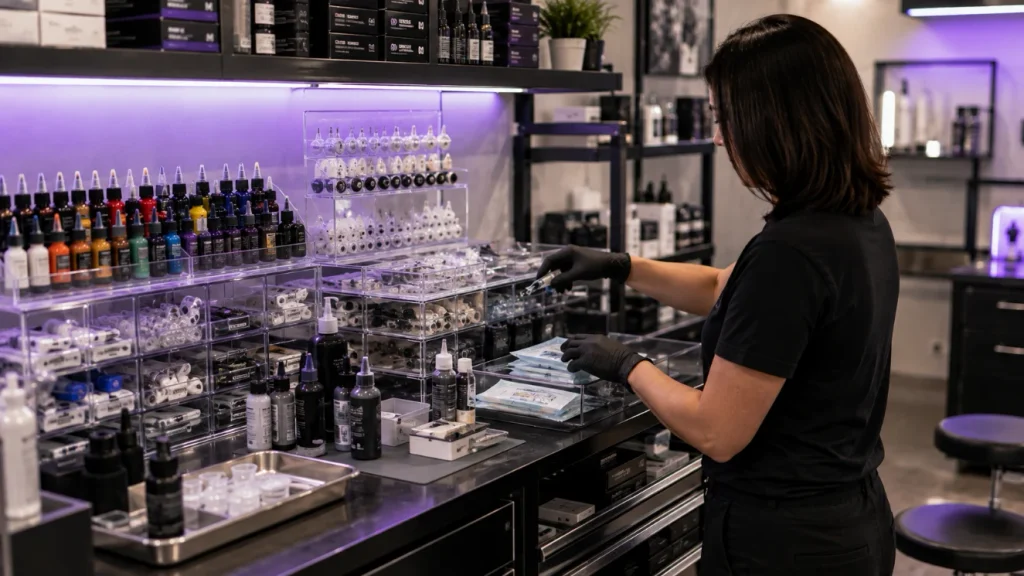
    PandaCue’s inventory tracking lets you set reorder points on the consumables you actually run low on specific ink colors, needle cartridges, jewelry by size and material.

    Health inspectors in many states also expect studios to show what supplies were used and when, so having a running record helps beyond just restocking.

    Getting Clients Back for Touch-Ups, Healed Checks, and Their Next Piece

    Say a studio finishes a large piece and tells the client to come back in six weeks for touch-ups on the healed skin.

    Getting Clients Back for Touch-Ups, Healed Checks, and Their Next Piece

    Without a system tracking that date, it depends on the client remembering or the artist writing themselves a note that gets buried.

    With automated flows set up around appointment type, a reminder can go out automatically at the right interval no one has to remember to send it, and the client doesn’t fall through the gap between “healed” and “forgotten.”

    Running More Than One Location Without Losing Control

    Studios that grow past one shop run into a specific problem: artist schedules, inventory, and commission structures that made sense at one location start conflicting across two or three.

    Running More Than One Location Without Losing Control

    A jewelry reorder point that worked for a single shop doesn’t work when three locations are pulling from the same supplier at different rates.

    Multi-location management keeps scheduling, inventory, and reporting separated by shop while still giving owners one view across all of them.

    That means checking performance across locations without logging into three different systems or asking three different managers for numbers.

    FAQs

    Do minors need a different consent process for piercings?

    Yes, in most states. A guardian typically needs to sign and often show ID confirming the relationship. PandaCue’s digital forms can require guardian information and signature specifically for underage clients, so the requirement isn’t left to staff to remember case by case.

    Can I track commission artists and booth renters in the same system?

    Yes. Staff management lets you set different payout structures per artist, whether that’s a percentage commission, a flat booth rental fee, or a mix of both, without maintaining separate records for each type.

    How do I cut down on no-shows for tattoo appointments?

    Requiring a deposit at booking is the most reliable fix. PandaCue’s online booking can collect a deposit automatically, and automated reminders leading up to the appointment reduce the rest.

    Can I track ink and jewelry the same way I’d track retail products?

    Yes. Inventory tracking works for consumables used during a service, not just items sold at the counter, and can flag low stock on specific colors, sizes, or materials before you run out.

    Do I need separate tools for scheduling, payments, and payroll?

    No. Those pieces are connected in PandaCue, so a completed appointment flows into the payment record and then into the artist’s payroll and commission calculation without manual re-entry.

    What should I look for regarding health department compliance?

    Requirements vary by state, but most expect records of consent, aftercare instructions given, and traceable supply use. Keeping consent forms, aftercare delivery, and inventory logs in one system makes those records easy to produce if you’re ever asked for them.

    Where This Leaves You

    A tattoo or piercing studio has more moving parts than most service businesses realize until they’re managing all of them by hand sessions of wildly different lengths.

    That has to happen before work starts, artists paid in different ways, and consumables that run out at the worst possible time.

    None of that needs five separate tools. It needs one system built to handle the parts that make body art different from a haircut, which is exactly what PandaCue was built around.

  • PandaCue Simplifies Hair Removal Studios

    PandaCue Simplifies Hair Removal Studios

    A hair removal studio doesn’t sell one visit. It sells a series. Someone books six or eight sessions, spread weeks apart, and every one of those sessions has to line up with the last.

    PandaCue was built around that reality, not around the single-visit model most salon software still assumes.

    Booking a Series, Not Just an Appointment

    Laser and IPL hair removal only works if sessions land inside a treatment window. Wait too long between visits and the hair cycle resets.

    Booking a Series, Not Just an Appointment

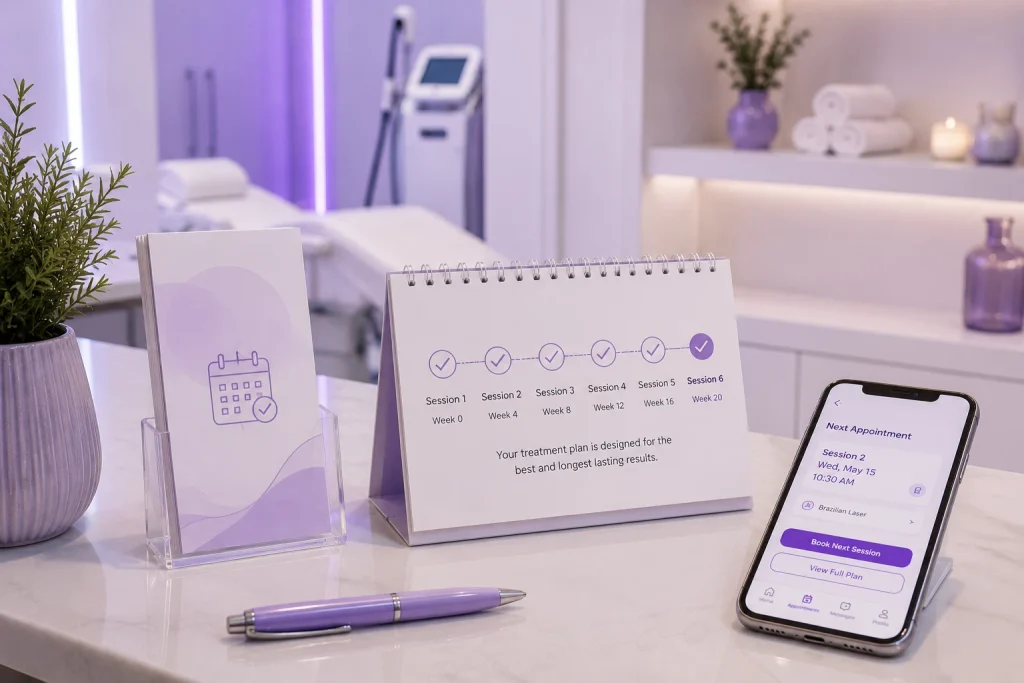
    Online booking lets clients reserve their next session the moment they walk out, and it holds the recommended spacing so front desk staff aren’t manually counting weeks on a calendar.

    For studios running electrolysis or sugaring alongside laser, the same booking flow handles mixed service types without needing separate systems.

    Getting Consent and Skin History Before the Client Sits Down

    Hair removal carries real risk if skin type, recent sun exposure, or medication use gets missed.

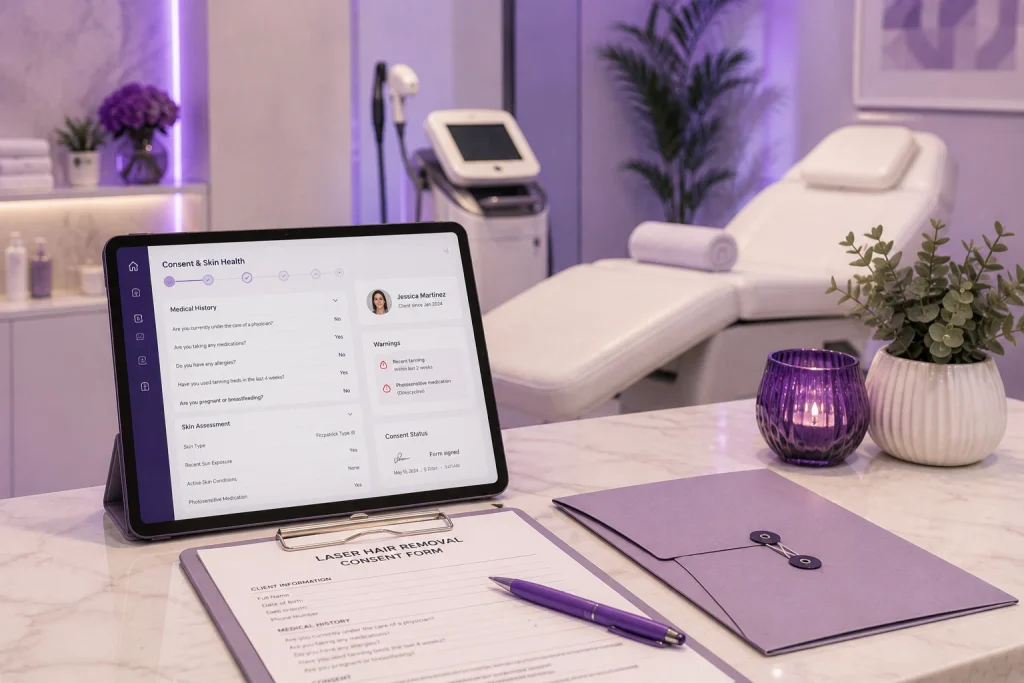
    Forms and charting feature sends intake and consent forms to a client’s phone before their appointment, so a tech isn’t handing over a clipboard in the treatment room.

    Getting Consent and Skin History Before the Client Sits Down

    Answers save to the client’s profile automatically, and staff can see flagged contraindications like recent tanning or photosensitive medication right on the appointment screen before the session starts.

    This matters for liability as much as care.

    A signed, timestamped consent form sitting in a client’s digital record is far easier to produce later than a paper form in a filing cabinet.

    Packages That Actually Track Usage

    Almost nobody buys one hair removal session. Studios sell packages of six, eight, or twelve visits, sometimes with a maintenance plan after that.

    Packages That Actually Track Usage

    Memberships and packages feature tracks exactly how many sessions a client has left, applies the right price automatically at checkout, and flags packages that are close to expiring.

    Front desk staff don’t have to ask “how many do you have left?” or dig through a spreadsheet it’s on the screen when the client checks in.

    Reminders That Cut No-Shows Between Sessions

    A six-week gap between visits is long enough for people to forget.

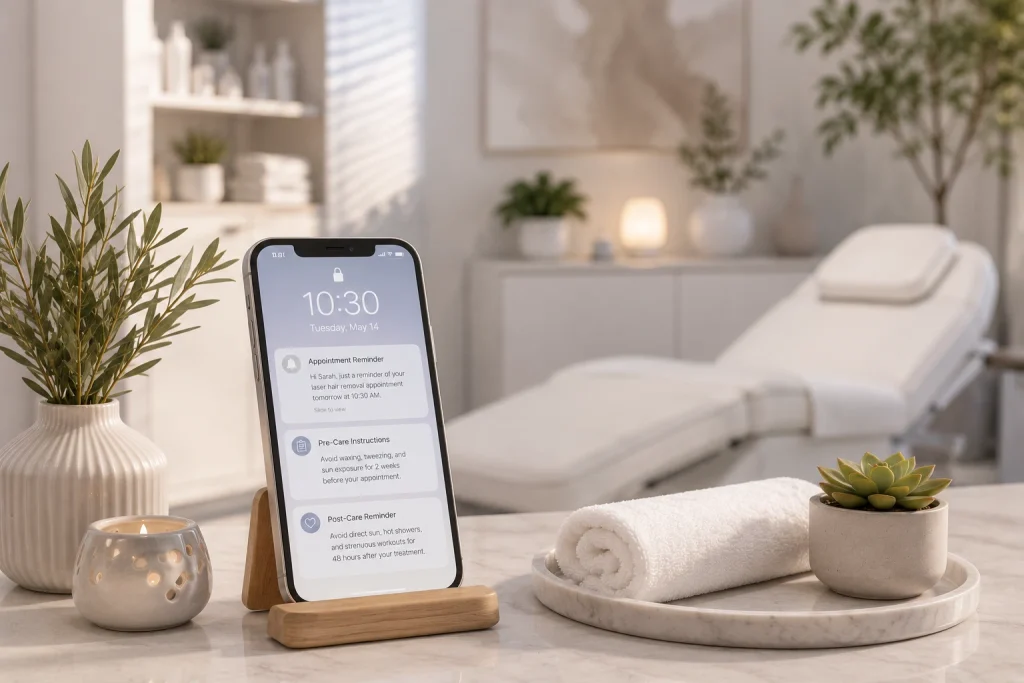
    PandaCue’s automated flows send appointment reminders, plus pre-care instructions like “no waxing or tweezing for two weeks” and post-care notes like “avoid direct sun for 48 hours.”

    Reminders That Cut No-Shows Between Sessions

    These go out automatically based on the appointment date, so staff aren’t typing the same reminder into a text thread every single day.

    Common Pain Points This Solves

    Most hair removal studios run into the same friction points as they grow:

    Common Pain Points This Solves
    • Clients rebooking off-schedule because nobody tracked the ideal gap between sessions
    • Consent forms missing or outdated when a new tech picks up a returning client
    • Front desk staff manually checking how many sessions are left on a package
    • No-shows piling up between sessions because reminders were sent by hand, if at all

    Each of these is a workflow gap, not a staffing problem. Fixing the workflow usually fixes the symptom.

    A Simple Example

    Picture a studio with two rooms and three techs, all offering laser hair removal packages.

    Before switching systems, front desk staff tracked package balances on sticky notes and sent reminder texts manually each morning.

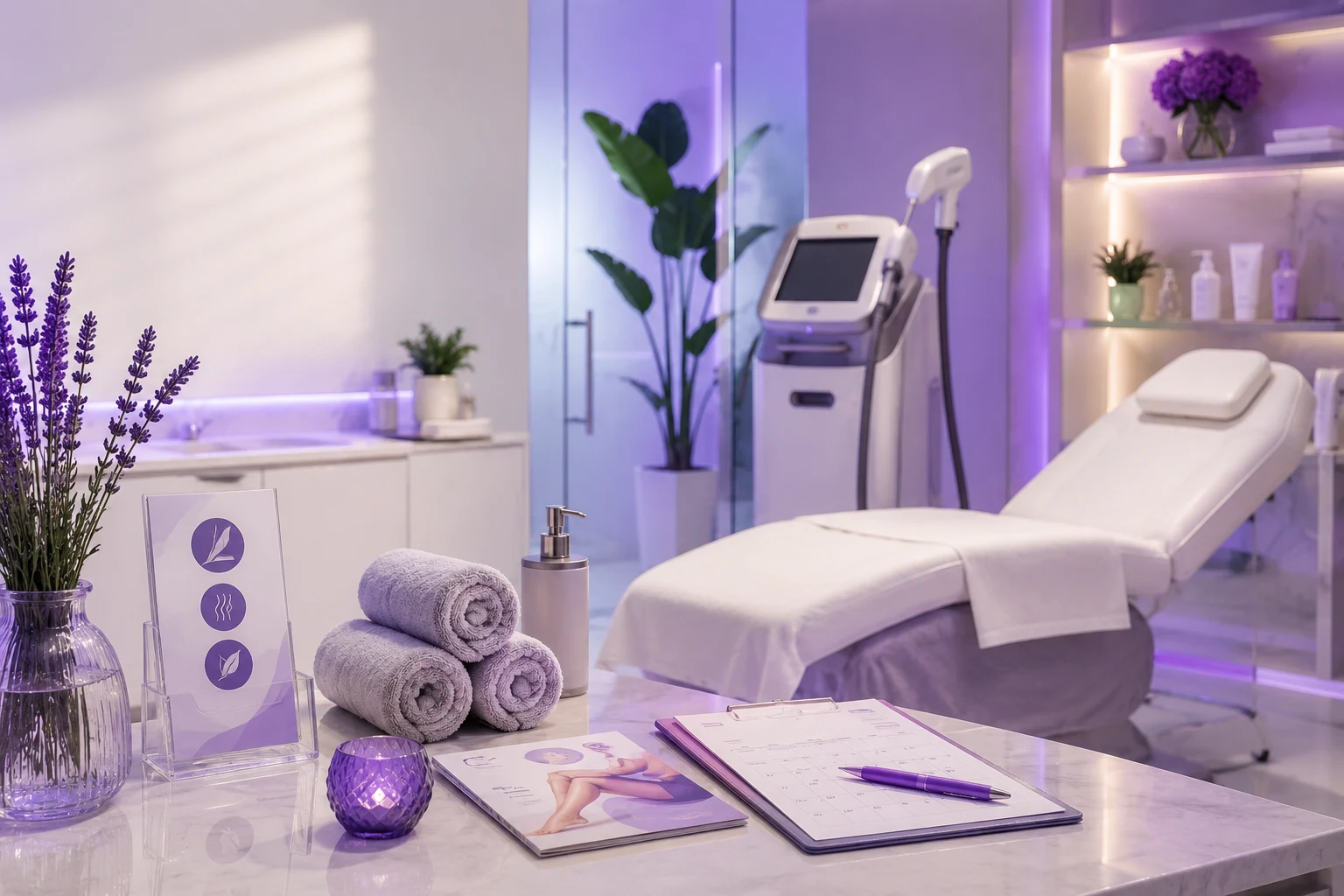
    A Simple Example : top hair removal studio management software

    After moving scheduling, forms, and package tracking into one system, staff stopped guessing how many sessions a client had left, and pre-care reminders went out without anyone remembering to send them.

    This is a hypothetical scenario used to illustrate the kind of change studios typically see, not a documented case study.

    Practical Advice for Growing Studios

    If you’re running more than one location, keep your service menu and package pricing consistent across sites PandaCue’s multi-location tools let you manage pricing centrally while still letting each location see its own schedule.

    Review your no-show rate every quarter.

    If reminders are automated and no-shows are still climbing, the gap is usually pricing or scheduling flexibility, not communication.

    FAQs

    How far apart should hair removal sessions be scheduled?

    Most laser and IPL protocols call for four to eight weeks between sessions, depending on treatment area and hair growth cycle. Your provider’s protocol should set the exact spacing, and your booking system should hold clients to it.

    Do hair removal studios need signed consent forms for every visit?

    Initial consent is required before the first treatment, and many studios re-confirm health changes at each visit. Digital forms make this faster to collect and easier to store than paper.

    How do I stop clients from losing track of their package sessions?

    Track remaining sessions in your booking system so staff and clients can see the balance at checkout, instead of relying on memory or a paper punch card.

    What’s the difference between a membership and a package for hair removal?

    A package is a fixed number of prepaid sessions. A membership is usually a recurring plan, often used for maintenance sessions after the initial series is done.

    Can one system handle laser, electrolysis, and sugaring under one roof?

    Yes, as long as the platform lets you set different service lengths, pricing, and package rules per service type rather than forcing every service into one template.

    Do reminders actually reduce no-shows for multi-session treatments?

    Automated pre-care and appointment reminders reduce missed visits mainly because they catch clients who forget the specific prep steps, not just the date itself.

  • PandaCue: Fill More Massage Slots, Fewer No-Shows

    PandaCue: Fill More Massage Slots, Fewer No-Shows

    Running a massage studio means juggling appointments, therapist schedules, client records, and payments often all at once.

    Most studios still handle this with a mix of paper books, spreadsheets, and separate apps.

    PandaCue is a management platform built to bring all of that into one place.

    Here’s how it helps massage studios specifically, and where it can make a real difference day to day.

    Online Booking That Works Around the Clock

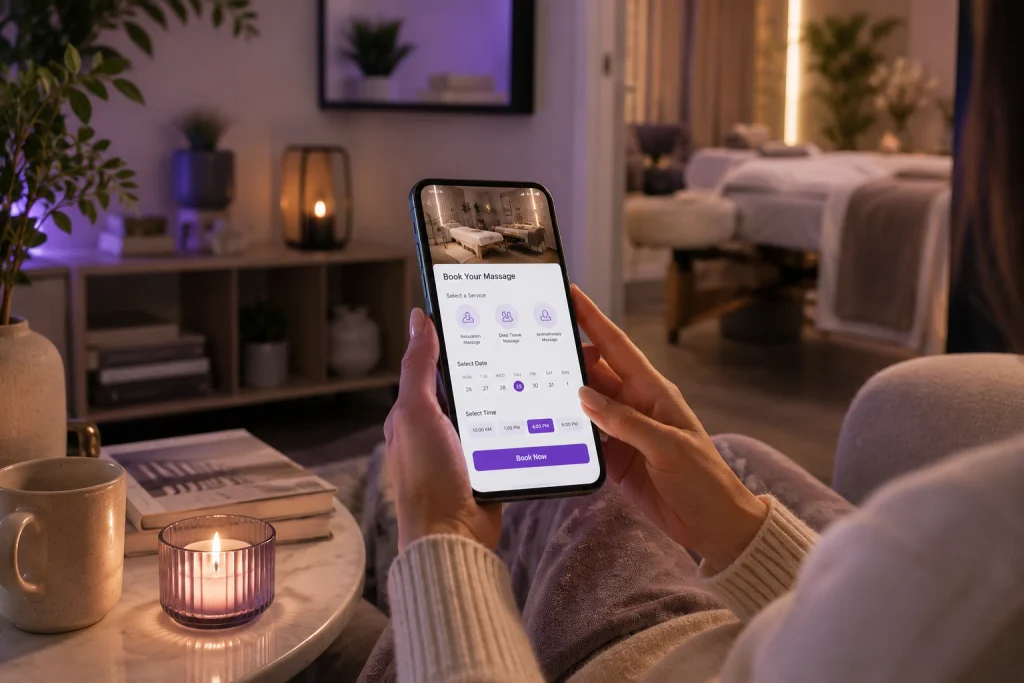
    Clients don’t always call during business hours. With PandaCue, they can book a massage session online at any time, from any device.

    Online Booking That Works Around the Clock

    This cuts down on missed calls and lost bookings. It also reduces the front-desk workload, since staff don’t have to manually enter every appointment.

    Managing Multiple Therapists Without the Confusion

    Most massage studios have more than one therapist, each with different specialties, hours, and availability. PandaCue lets you set up individual schedules for each staff member.

    The system shows real-time availability, so clients can only book a slot when a therapist is actually free.

    This avoids double bookings and last-minute rescheduling headaches.

    Automated Reminders to Cut No-Shows

    No-shows cost studios real money a missed one-hour massage slot is lost revenue that can’t be recovered.

    Automated Reminders to Cut No-Shows

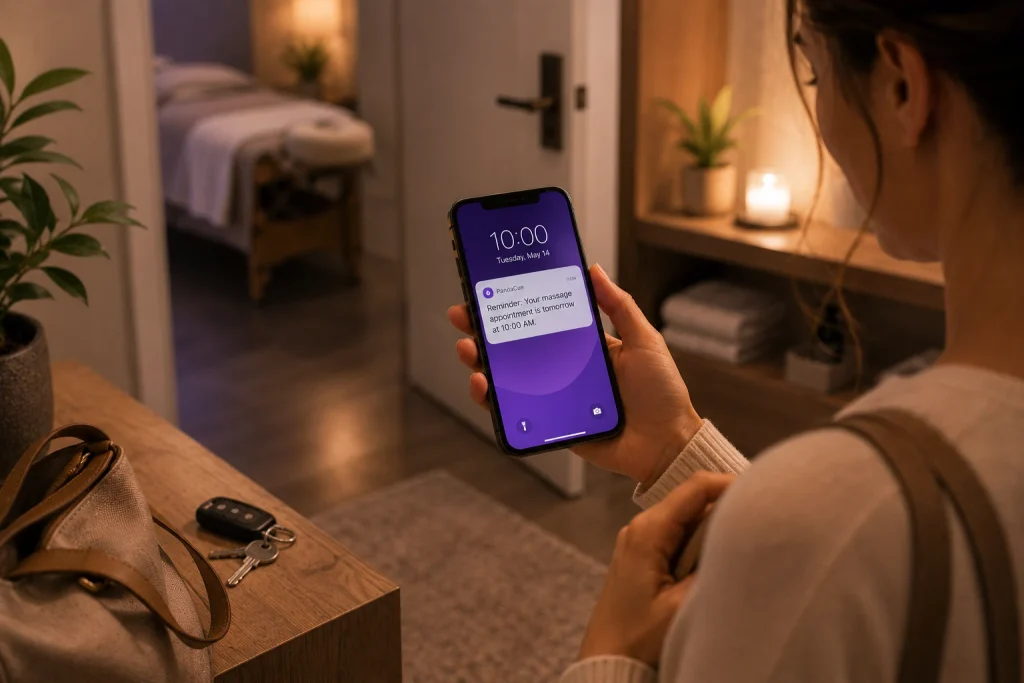
    PandaCue sends automatic text and email reminders before each appointment.

    Fewer no-shows mean a fuller schedule and more predictable income, without anyone having to manually call clients to confirm.

    Client Records in One Place

    Massage therapy often depends on knowing a client’s history past injuries, preferred pressure, allergies to certain oils, or areas to avoid.

    PandaCue keeps this information stored against each client’s profile.

    Therapists can pull up notes before a session starts, instead of relying on memory or a paper file. This also helps if a client sees a different therapist on their next visit.

    Simple Payment and Checkout

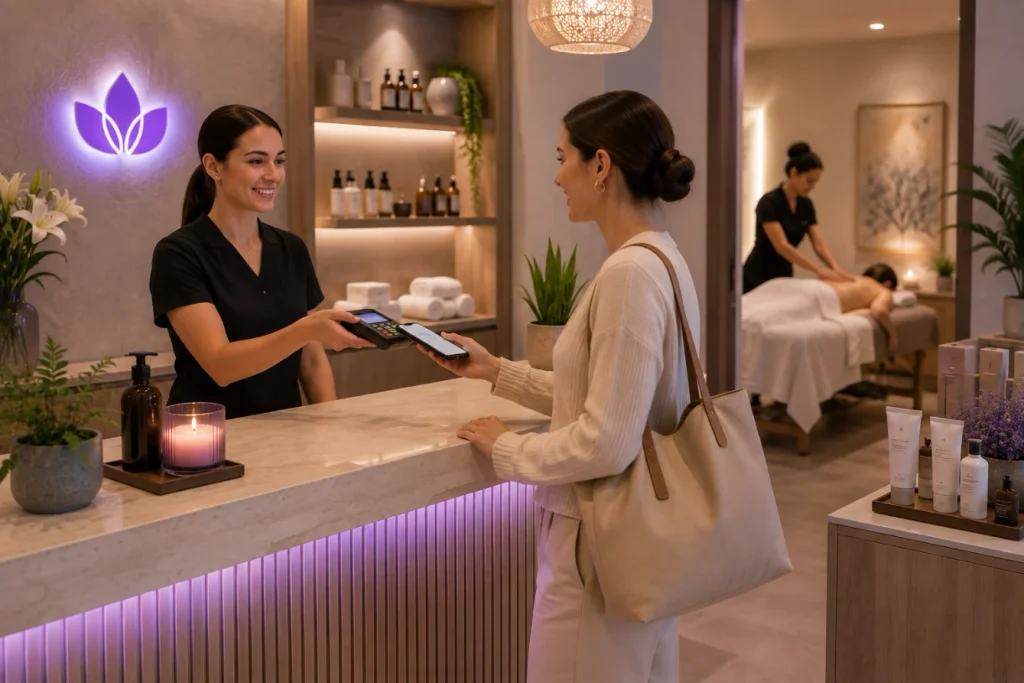
    PandaCue supports in-app payment processing, so clients can pay for sessions, packages, or memberships directly through the platform.

    Simple Payment and Checkout TO manage your massage studio seamlessly

    This speeds up checkout and keeps a clear record of every transaction.

    For studios that sell massage packages or monthly memberships, PandaCue tracks usage automatically. There’s no need to manually count how many sessions a client has left.

    Marketing Tools to Bring Clients Back

    Getting a new client is only half the job bringing them back is what keeps a studio profitable.

    PandaCue includes built-in tools for email and SMS marketing, so studios can send promotions, seasonal offers, or rebooking reminders.

    Loyalty and referral features are also built in, giving studios a simple way to reward repeat clients without setting up a separate program.

    Reports That Show What’s Actually Working

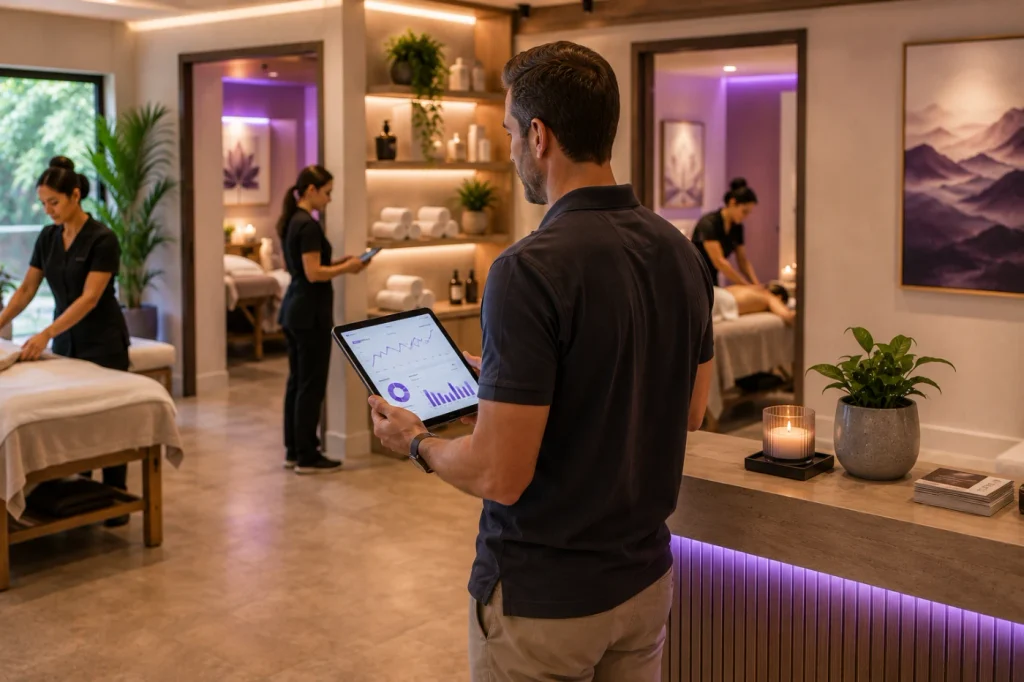
    Provides reporting on bookings, revenue, and therapist performance.

    Reports That Show What's Actually Working

    Instead of guessing which services are popular or which hours are busiest, studio owners can check the numbers directly.

    This makes it easier to plan staffing, adjust pricing, or spot which services need more promotion.

    Why This Matters for a Massage Studio Specifically

    Massage studios run on trust, comfort, and consistency. Clients expect a smooth booking experience and a therapist who remembers their preferences.

    PandaCue is built to support that experience from the client’s first booking through every return visit without adding extra admin work for the studio.

    Getting Started

    Setting up PandaCue for a massage studio typically means adding your services, staff schedules, and pricing, then turning on online booking.

    Most studios can be up and running within a day or two.

    For studios still relying on phone bookings and paper schedules, this is usually the biggest single improvement they can make to daily operations.

  • PandaCue for Beauty Studios: Built for Every Service

    PandaCue for Beauty Studios: Built for Every Service

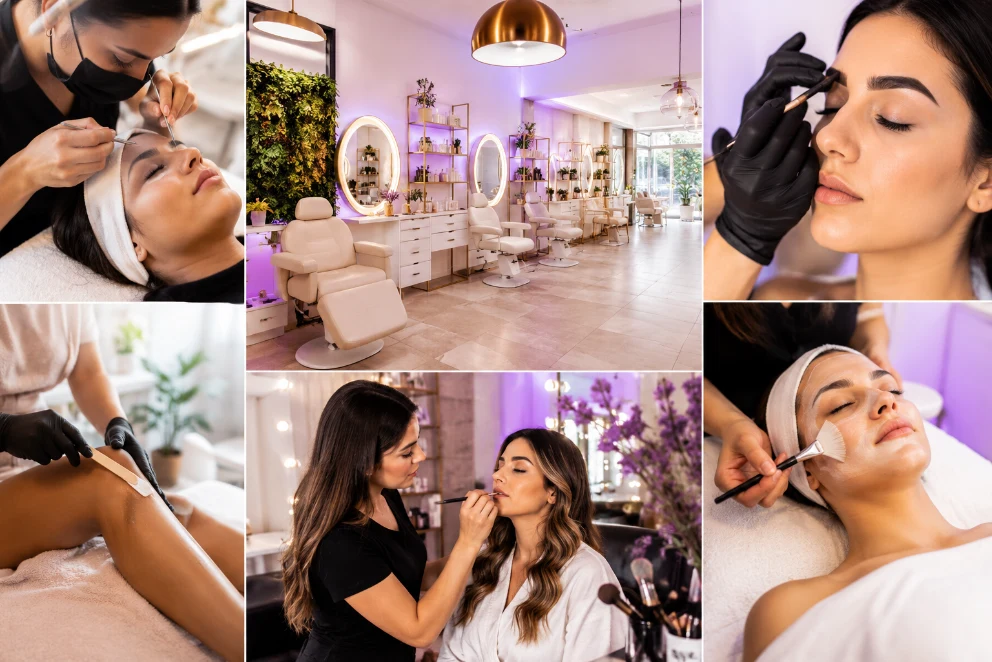
    A beauty studio runs several businesses under one roof: lash extensions, brow shaping, waxing, facials, sometimes makeup and tanning.

    Each one moves on a different clock and needs different information from the client.

    PandaCue is built around that reality instead of treating every appointment like a haircut, so studio owners get one system that actually matches how their business works, not a generic calendar bolted onto a beauty business.

    How PandaCue Schedules Lash and Brow Fills

    Lash fills need to happen every 2 to 3 weeks or a client’s set starts looking patchy.

    How PandaCue Schedules Lash and Brow Fills

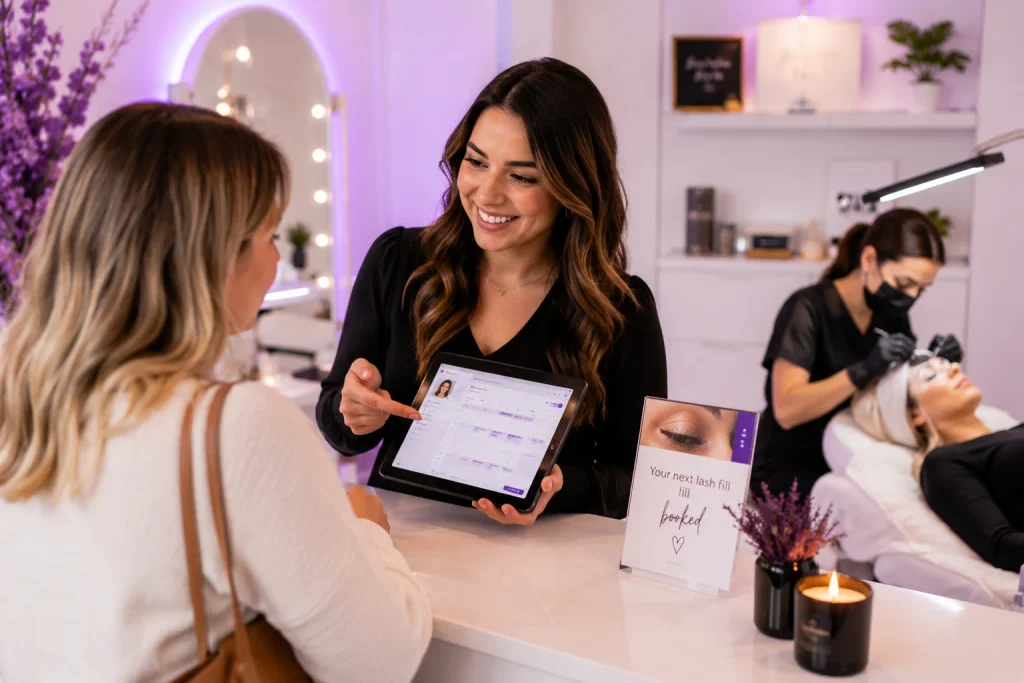
    PandaCue’s calendar and scheduling lets a tech set a client’s next fill date right at checkout, so the rebook is already on the books instead of depending on the client to call back before someone else does.

    For brow tint and lamination, PandaCue’s digital forms can require a patch test record before the appointment is confirmed.

    That turns a compliance step studios often forget under pressure into something the system checks automatically.

    How PandaCue Handles Waxing Rooms and Technicians

    Waxing needs a private room, and a Brazilian takes far longer than an eyebrow wax even though both sit under “wax” as a service category.

    PandaCue’s calendar tracks rooms and staff as separate resources, so a room can’t get double-booked just because the technician looks free.

    At checkout, PandaCue’s point of sale can prompt add-ons like post-wax care or numbing product automatically, which takes the upsell out of whether the front desk remembers to mention it.

    How PandaCue Manages Facial and Skin Intake

    Facials need information a lash or wax appointment never asks for: allergies, current retinoids, recent sun exposure.

    How PandaCue Manages Facial and Skin Intake

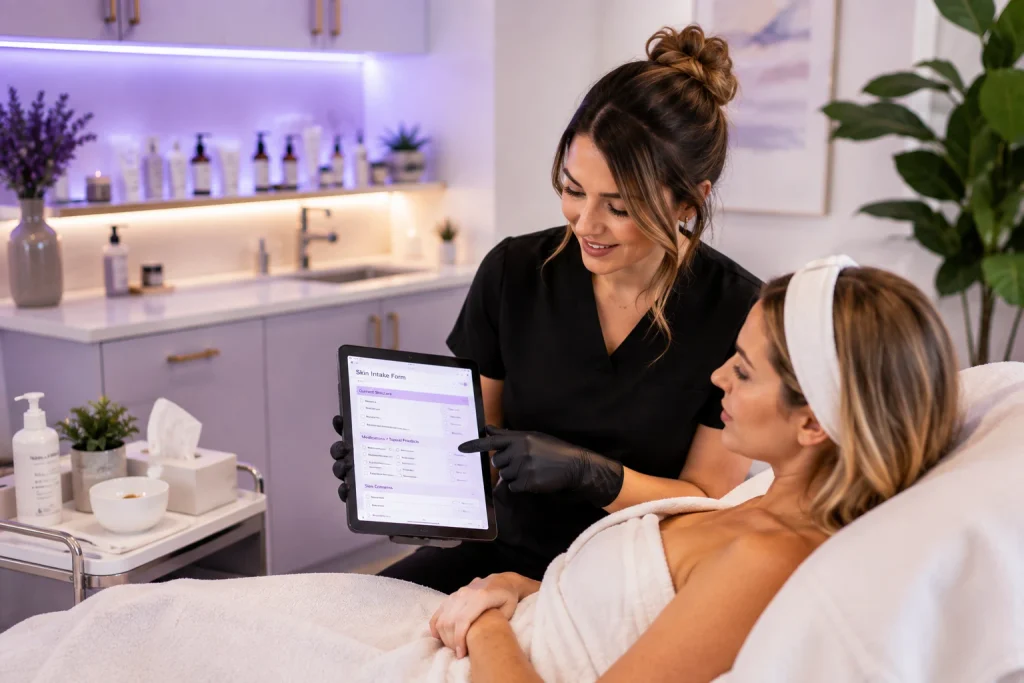
    PandaCue’s digital forms send that intake to the client before their appointment, so the esthetician walks in already knowing what they’re working with instead of reading a clipboard in the treatment room.

    Those forms stay attached to the client’s profile inside PandaCue’s client management, which matters if a reaction or a dispute comes up later and the studio needs a record of what was disclosed and when.

    How PandaCue Handles Bridal and Group Makeup Bookings

    Bridal and event makeup gets booked months out, usually for a group, and a no-show on the morning of a wedding can’t be rebooked.

    How PandaCue Handles Bridal and Group Makeup Bookings

    PandaCue can hold deposits at the time of booking through its payments tools, so a cancelled bridal party doesn’t leave the studio covering an empty morning.

    How PandaCue Separates Employee Pay From Booth Renters

    Beauty studios often mix commission employees with independent renters, and the two need different treatment in the system.

    How PandaCue Separates Employee Pay From Booth Renters

    PandaCue’s staff management and payroll tools can track commission-based pay against services performed for employees, while renters keep their own calendar and client list without seeing bookings that belong to other technicians.

    Getting this permission split right matters more here than in a single-service salon, since a studio running five service lines usually has the widest mix of pay structures too.

    How PandaCue Tracks Lash Adhesive, Wax, and Skincare Stock

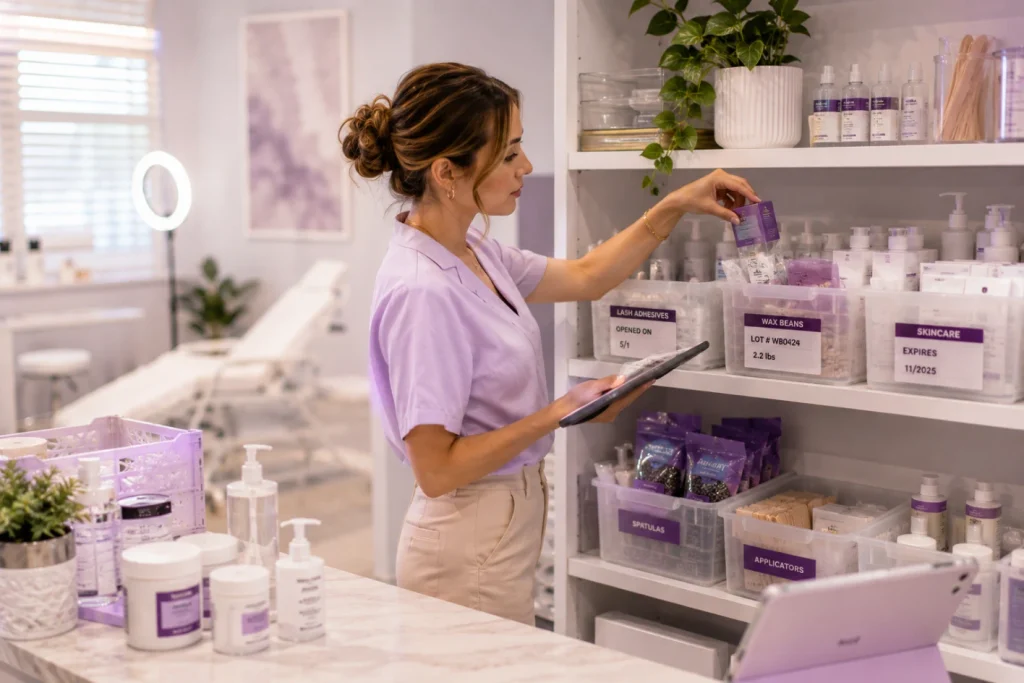
    Lash adhesive has a shelf life measured in weeks once opened. Wax gets used by weight, not by the bottle.

    Facial products often need refrigeration and have real expiration dates that affect client safety, not just cost.

    How PandaCue Tracks Lash Adhesive, Wax, and Skincare Stock

    PandaCue’s inventory tracking ties product use to the appointments that actually consumed it, so low stock and aging product get flagged before a tech reaches for adhesive that’s already gone bad.

    How PandaCue Memberships Bundle Multi-Service Clients

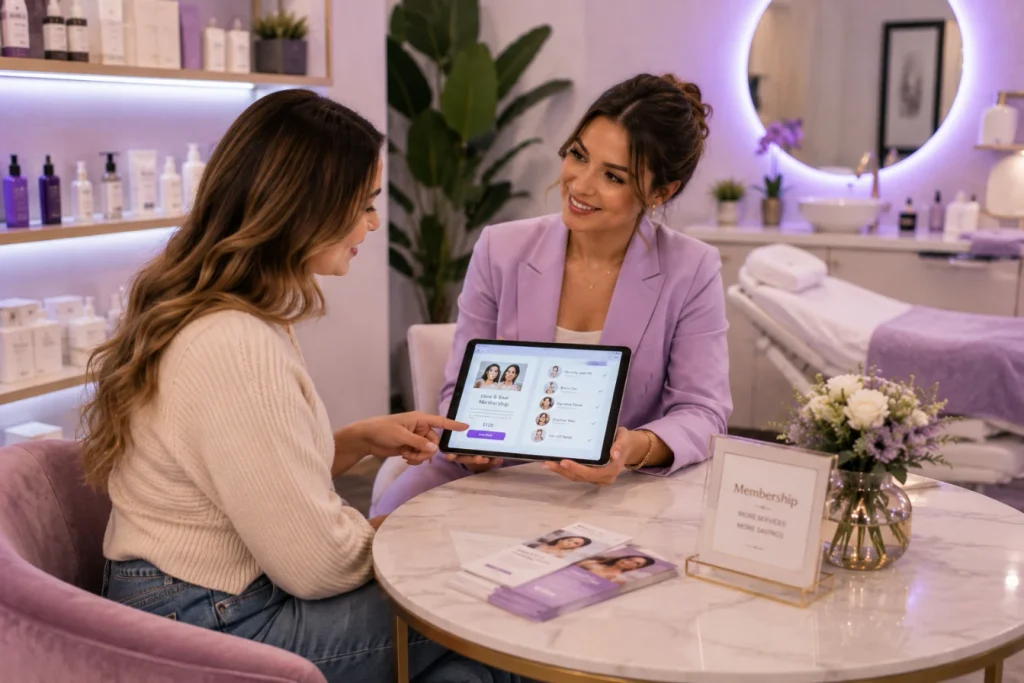
    A client who books a monthly lash fill is also a candidate for brow tint, a pre-event facial, or a wax package, but most studios never connect those dots.

    How PandaCue Memberships Bundle Multi-Service Clients

    PandaCue’s memberships and packages let a studio bundle several services into one recurring charge, so a client has a reason to book everything at one studio instead of splitting services across three businesses.

    Renewal reminders and billing run automatically through the same tool, which matters once a studio is juggling five service lines and can’t manage five separate renewal calendars by hand.

    How PandaCue’s Online Booking Works for Multi-Service Studios

    Most beauty studio clients book from their phone, and a lash client who’s been with the same tech for a year won’t switch just because someone else shows an earlier opening.

    How PandaCue's Online Booking Works for Multi-Service Studios

    PandaCue’s online booking lets clients filter by technician and service, not just by open time slot, and syncs to each tech’s actual schedule instead of one shared studio calendar.

    That same booking flow feeds PandaCue’s unified inbox, so a client who texts to ask about swapping their fill date doesn’t need a phone call to get an answer.

    How PandaCue Supports Licensing and Consent Recordkeeping

    Licensing requirements differ by service and by state: estheticians, lash techs, and waxing specialists don’t always fall under the same license.

    PandaCue’s client management keeps consent forms, patch test records, and intake notes attached to each client profile, so a studio can pull up exactly what was disclosed if a reaction or dispute ever comes up.

    FAQs

    Can PandaCue handle both room-based and chair-based bookings in one calendar?

    Yes. PandaCue tracks rooms and staff as separate resources, so a facial room and a lash chair don’t get treated as interchangeable slots on the same calendar.

    Does PandaCue support both commission employees and booth renters?

    PandaCue’s staff tools are built to handle mixed staffing models, tracking commission-based pay for employees while keeping renter calendars and client lists separate.

    Can PandaCue require a patch test before confirming a tint appointment?

    PandaCue’s digital forms can be tied to appointment types, so a studio can require a completed patch test record before a tint booking goes through.

    Does PandaCue track product expiration, not just stock count?

    PandaCue’s inventory tools tie usage to appointments and flag low stock, which helps studios catch aging product like lash adhesive before it’s used past its shelf life.

    Can clients book a specific technician online, not just an open time slot?

    Yes. PandaCue’s online booking lets clients filter by technician and service, which matters in beauty studios where clients tend to stay loyal to one tech.

    Does PandaCue send automatic reminders for lash and brow rebooking?

    PandaCue can prompt a next-appointment date at checkout and send automated reminders as that date approaches, cutting down on fills that get missed because a client forgot to call.

    Running One Studio Instead of Five Businesses

    A beauty studio only feels complicated when its systems don’t match how the business actually works.

    Once scheduling, forms, inventory, and payroll are built around lash, brow, wax, and facial services instead of a generic calendar, the day-to-day gets a lot simpler to run, whether that’s one studio or the start of a second location.

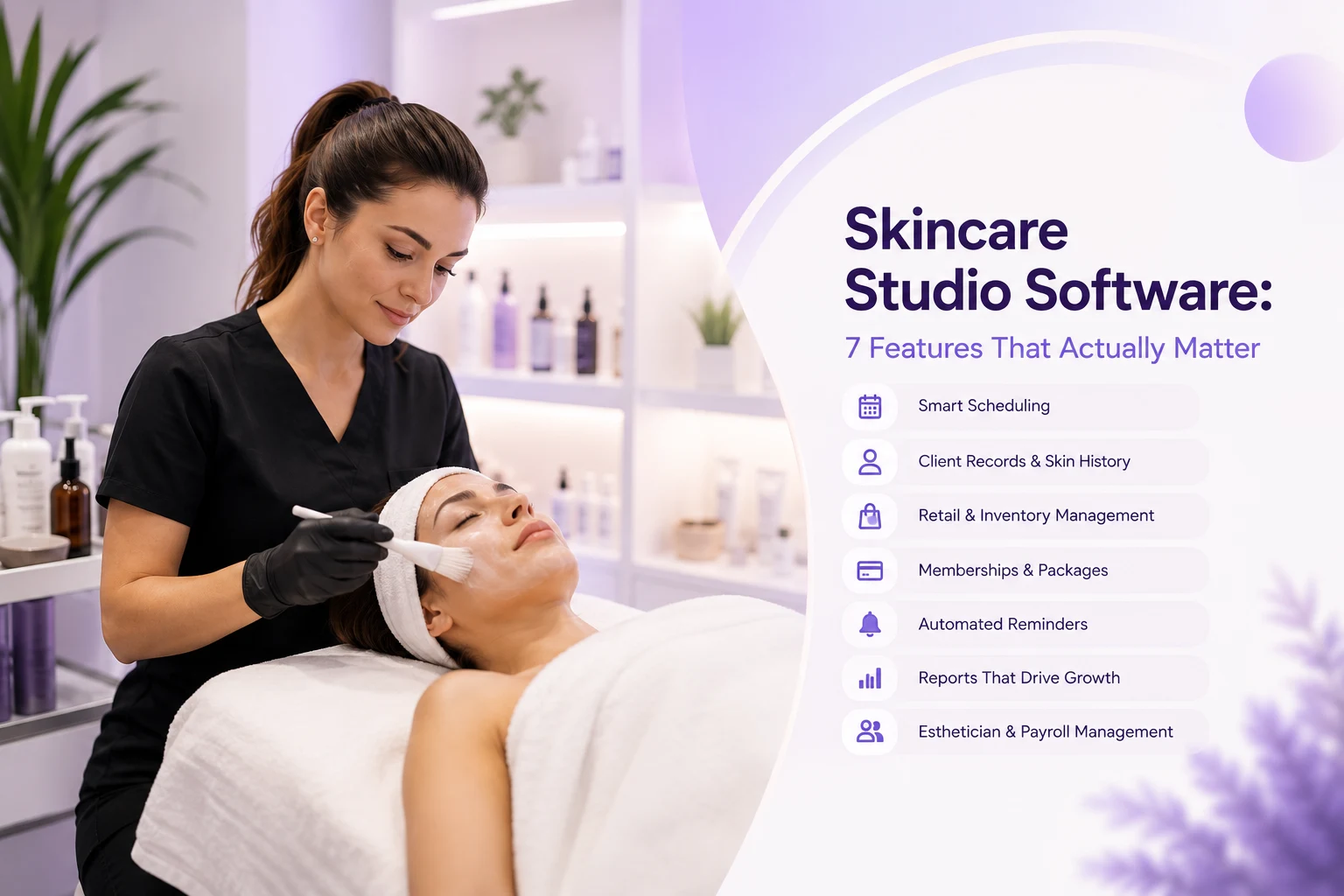
  • Skincare Studio Software: 7 Features | PandaCue

    Skincare Studio Software: 7 Features | PandaCue

    Think about what actually happens in a skincare studio on a normal day. A client books a 60-minute facial. Before you touch their skin, you need to know what they used last time, whether they’re on a retinol, and if their skin reacted to anything.

    After the treatment, you’re recommending products, maybe scheduling their next visit in four weeks, and possibly enrolling them in a monthly facial membership.

    None of that is a one-off transaction. It’s a relationship that plays out over months, sometimes years.

    A basic booking calendar can schedule the appointment, but it can’t tell your esthetician what happened three visits ago or flag that a client is due for their quarterly peel.

    That’s the real difference. Hair salons largely deal with single-visit services. Med spas deal with heavier compliance and injectable tracking.

    Skincare studios sit in the middle: enough medical-adjacent detail to need real client records, but enough retail and membership activity to need strong point-of-sale and recurring billing too.

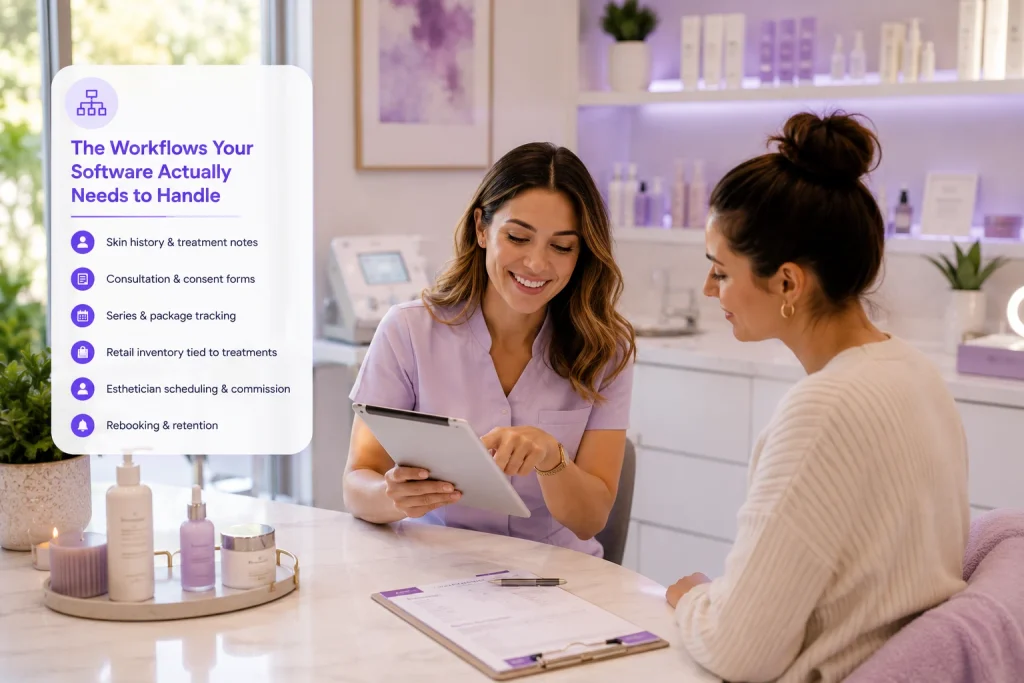
    The Workflows Your Software Actually Needs to Handle

    A skincare studio’s day-to-day isn’t complicated to describe, but it does touch a lot of moving parts. Here’s what matters most.

    The Workflows Your Software Actually Needs to Handle

    Skin history and treatment notes

    Every visit should build on the last one. Your esthetician needs to see previous treatments, product reactions, and any contraindications before the client sits down, not after.

    Consultation and consent forms

    New clients typically fill out a skin type questionnaire and consent forms before their first facial or peel. These need to be digital, easy to fill out on a phone, and stored with the client’s file automatically.

    Series and package tracking

    A lot of skincare revenue comes from packages: six dermaplaning sessions, a quarterly peel series, a monthly LED add-on. Someone needs to track how many sessions are left without a spreadsheet.

    Retail inventory tied to treatments

    When you recommend a cleanser during a facial, that sale should ring up at the front desk in seconds and pull from the same inventory count as your shelf stock.

    Esthetician scheduling and commission

    Estheticians often work partial weeks or split shifts across skincare and body treatments. Your scheduling needs to reflect real availability, and commission tracking needs to account for both services and product sales.

    Rebooking and retention

    Skincare results depend on consistency. A client who skips their maintenance facial for three months often doesn’t come back at all. Automatic rebooking reminders matter more here than in almost any other service business.

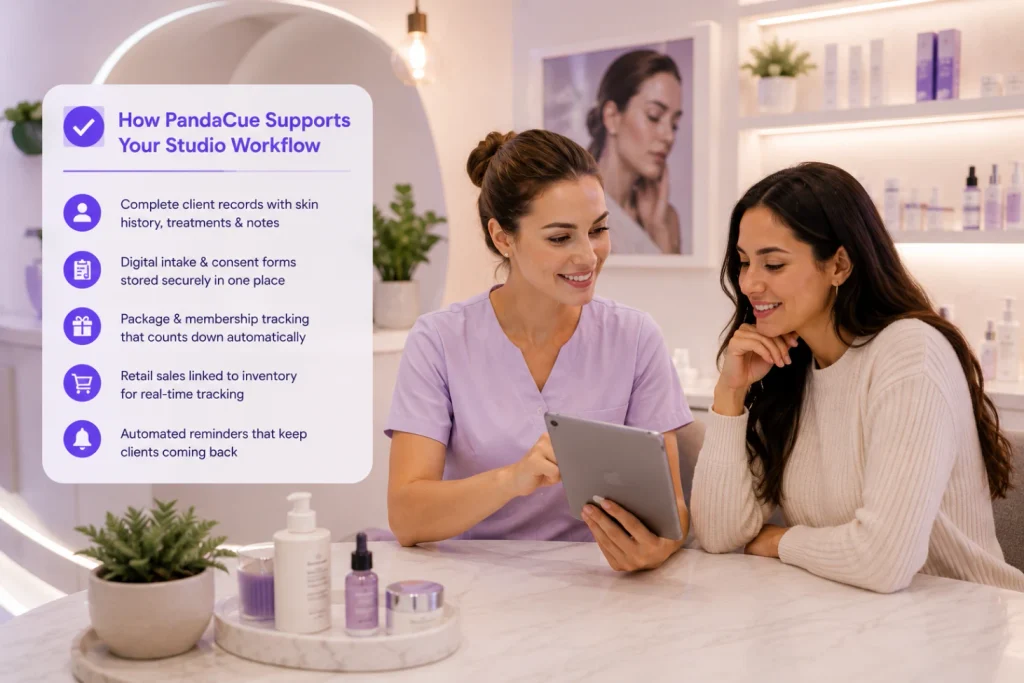
    How PandaCue Supports a Skincare Studio’s Actual Workflow

    PandaCue was built to handle service businesses where the relationship spans multiple visits, not just a single appointment. For a skincare studio, that shows up in a few specific ways.

    Client records in PandaCue keep skin consultation notes, past treatments, and product recommendations attached to each client’s profile, so an esthetician can pull up the full history in seconds before a client sits in the chair.

    How PandaCue Supports a Skincare Studio's Actual Workflow

    Digital intake forms collect skin type, allergies, and consent electronically, and they sync straight to the client’s file instead of living in a filing cabinet.

    Package and membership tracking counts down sessions automatically. If a client bought a six-visit peel series, the system tracks how many they’ve used without anyone doing math by hand.

    Retail products can be sold at checkout and linked to inventory counts, so a $40 serum sale doesn’t require a separate system from the $150 facial that came before it.

    Setting Up a Skincare Studio Correctly From Day One

    Setting Up a Skincare Studio Correctly From Day One

    Build your service menu around actual treatment time, not round numbers. A dermaplaning add-on might take 15 minutes, but if you block 30, you’re losing bookable hours every single day. Time services accurately from the start.

    Create digital intake forms before you open, not after your first client complains about paperwork. Include skin type, current products, allergies, and recent procedures like microneedling or chemical peels elsewhere.

    Set up package and membership options with clear expiration and renewal rules. Decide upfront whether unused sessions roll over or expire, and make sure your software enforces whatever you choose.

    Tag retail products to the treatments that typically pair with them. This makes it faster for front desk staff to suggest the right add-on sale without guessing.

    Set rebooking reminders based on typical treatment intervals, not a generic 30-day rule. A chemical peel series might need reminders every three weeks, while a monthly hydrafacial client needs a different cadence.

    Where Skincare Studios Lose Revenue Without the Right Setup

    A few patterns show up again and again in studios still running on paper or disconnected tools.

    Clients fall through the cracks between package sessions because nobody’s tracking how many visits are left, so packages expire unused and clients quietly stop coming.

    Where Skincare Studios Lose Revenue Without the Right Setup

    Retail sales get missed because product recommendations live in an esthetician’s memory instead of a system that prompts the front desk at checkout.

    Rebooking happens too late, after a client’s skin has already regressed, instead of on a schedule tied to the actual treatment plan.

    The fix isn’t more effort from your staff. It’s removing the manual tracking that causes these gaps in the first place.

    FAQs

    Does a skincare studio need HIPAA-level compliance software?

    Not usually. Skincare studios that don’t perform medical procedures typically don’t fall under HIPAA the way med spas do, but you still need secure storage for client health notes and signed consent forms.

    How is skincare studio software different from salon software?

    Salon software is usually built around single-visit services. Skincare studio software needs to track ongoing treatment plans, skin history, and retail sales as part of the same client relationship.

    Can one system handle both booking and retail sales?

    Yes, and it should. Keeping appointments and product sales in the same system means inventory counts stay accurate and you’re not reconciling two sets of records.

    What’s the best way to track treatment packages?

    Look for software that automatically counts down sessions as they’re used and flags clients when they’re close to running out, so renewal conversations happen before the package expires.

    Do I need separate software for memberships versus one-off appointments?

    No. Your booking system should support both single appointments and recurring memberships without requiring a second tool.

    How much does software like this typically cost for a small studio?

    Pricing varies by provider and studio size. PandaCue offers plans built for solo estheticians up through multi-location studios, so it’s worth requesting a quote based on your actual client volume rather than assuming a flat rate.

    The Bottom Line

    A skincare studio isn’t a smaller version of a med spa or a haircare-focused salon. It runs on repeat visits, evolving treatment plans, and retail sales woven into every appointment.

    Software that treats each visit as a standalone transaction will always feel like it’s fighting your actual business model.

    The goal is a system that remembers what happened at the last visit, knows what’s coming next, and makes the retail side of the business as easy to manage as the bookings.

  • IV Therapy Clinic Software: 7 Ways PandaCue Helps

    IV Therapy Clinic Software: 7 Ways PandaCue Helps

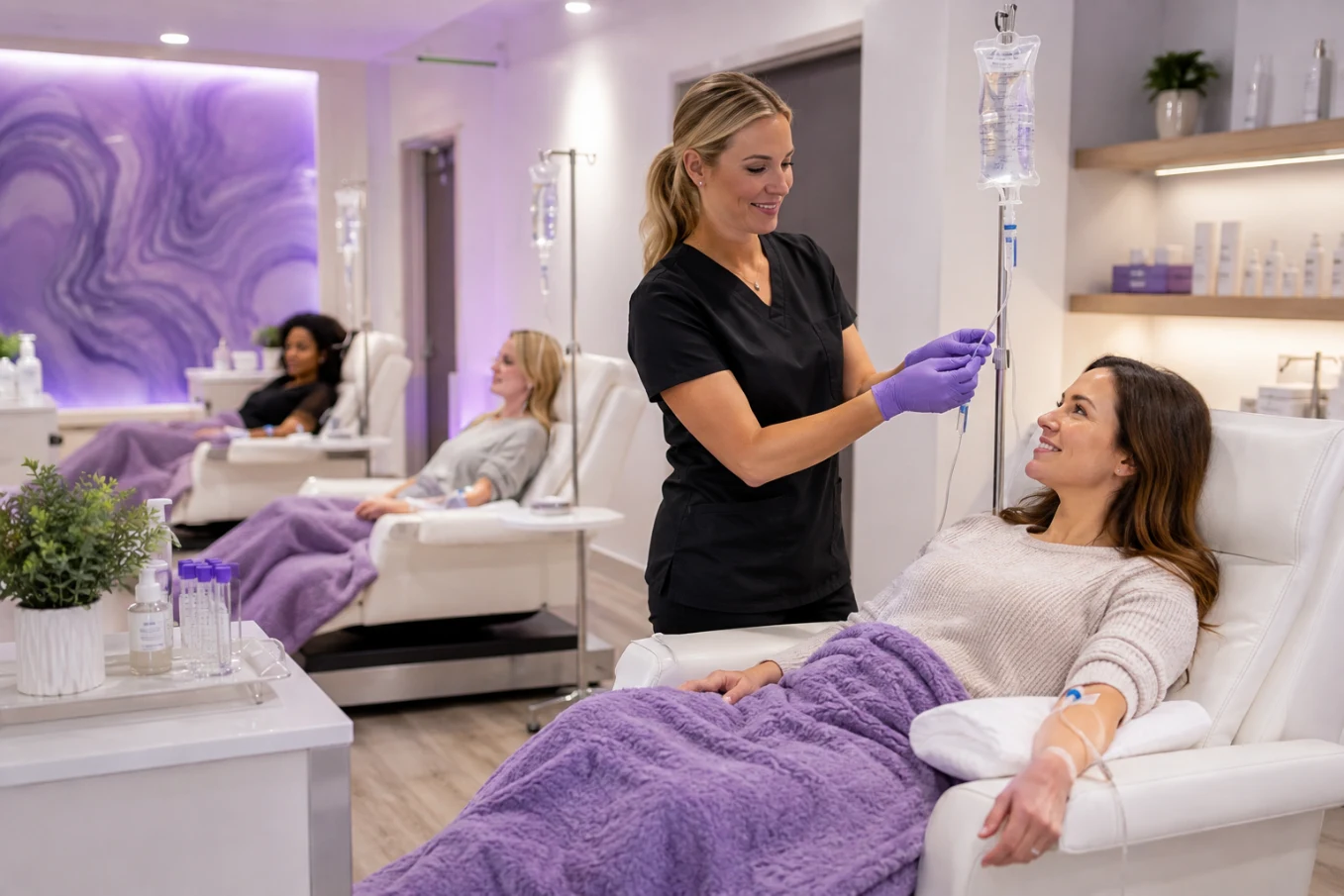
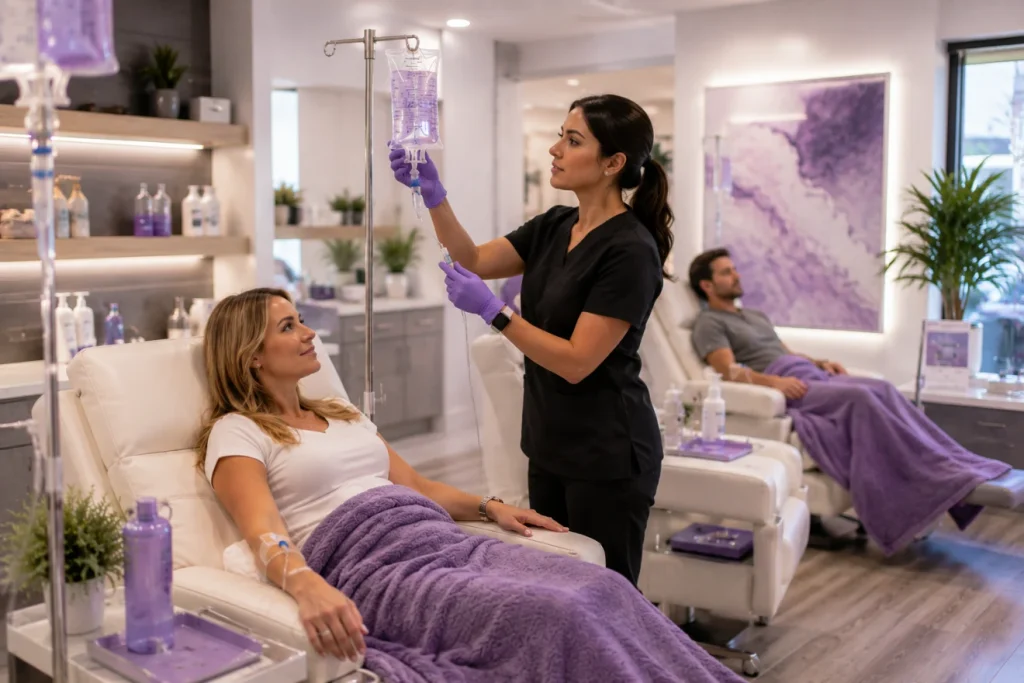
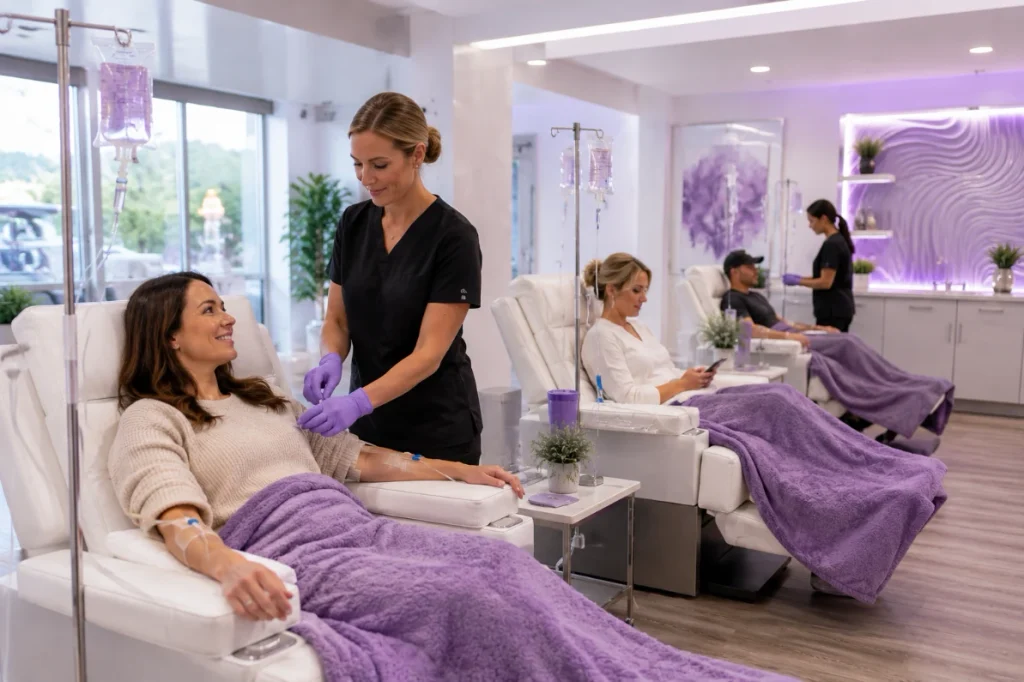
    An IV therapy business runs on things a regular spa doesn’t have to think about: nurse licensing, drip inventory that expires, and appointments that don’t always take the same amount of time.

    Software built for haircuts and facials wasn’t made to handle any of that. Software built to run the whole clinic bookings, staff, inventory, payments, and follow-up was.

    If you’ve ever had a nurse sitting idle because two clients no-showed back to back, or watched a case of B12 expire in the fridge because nobody tracked the count, you already know the problem.

    It’s not that IV therapy is hard to deliver. It’s that it’s hard to run efficiently without the right systems behind it.

    Why IV Therapy Clinics Need Different Systems Than Other Spas

    A facial takes 45 minutes, every time. An IV drip doesn’t work that way. A basic hydration bag might take 30 minutes. A NAD+ infusion can run two hours or more.

    If your booking system treats every service like it’s the same length, you end up with gaps in the schedule or nurses running behind by 3 p.m.

    Why IV Therapy Clinics Need Different Systems Than Other Spas

    There’s also the staffing side.

    Not everyone on your team can administer an IV. In most states, that requires a registered nurse or nurse practitioner working under a medical director’s protocols.

    A scheduling tool that lets a client book a drip with whoever’s “next available” instead of whoever’s actually licensed to give it creates a compliance problem before the client even walks in.

    Saline, vitamin blends, and additives have shelf lives. A hair salon doesn’t lose money when a bottle of shampoo sits on a shelf for six months.

    An IV clinic does, because unused stock expires and has to be thrown out.

    None of these are reasons IV therapy is a bad business to run. They’re reasons it needs software that was actually built with these details in mind.
    What This Looks Like With PandaCue

    PandaCue lets you set real service durations for each IV drip or injection, so your calendar reflects how long things actually take not a rounded-off guess.

    When a client books a 90-minute Myers’ Cocktail, the system blocks 90 minutes. It doesn’t quietly assume every appointment is 30 minutes and let your day fall apart by noon.

    What This Looks Like With PandaCue to manage your iv therapy clinic

    You can also assign services to specific staff roles. If only RNs can administer IV drips at your clinic, you set that up once, and the booking system only offers those time slots with a qualified nurse.

    Clients can’t accidentally book an infusion with someone who isn’t licensed to give it.

    Inventory tracking connects to what you’re actually selling. As drips get administered, stock counts drop.

    When you’re running low on a specific vitamin blend, you see it before you run out mid-appointment not after a client is already in the chair.

    Setting Up Your Clinic in PandaCue

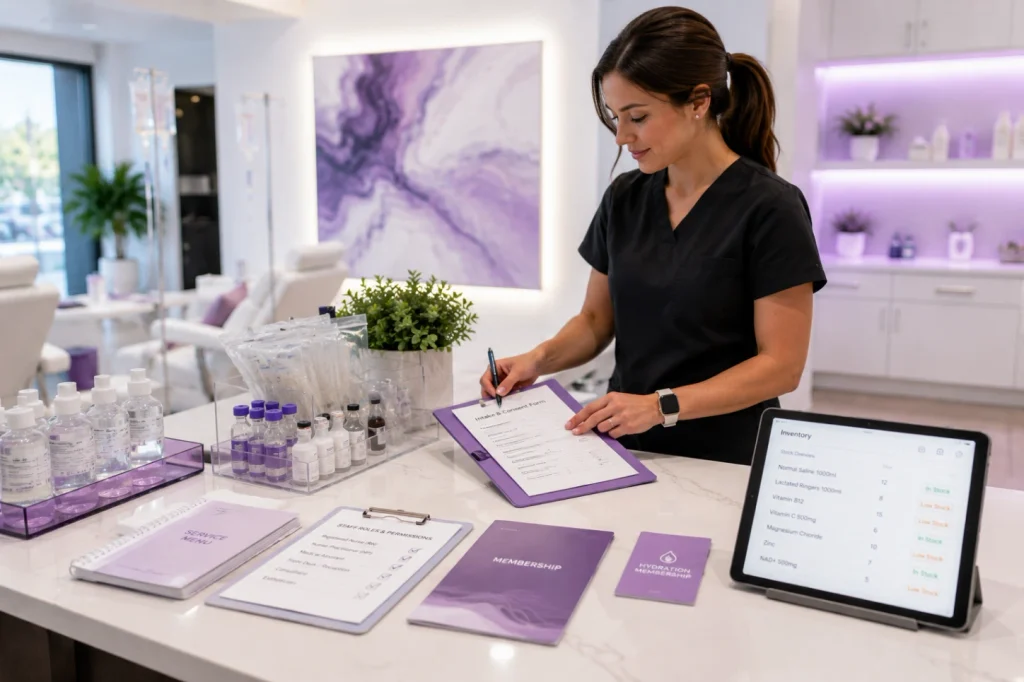
    Getting an IV therapy business running in PandaCue usually comes down to five things.

    Setting Up Your Clinic in PandaCue

    1. Build your service menu with real durations

    List every drip, shot, and add-on separately, with the actual time each one takes. Include prep and recovery time if your team needs it between clients.

    2. Set staff permissions by role

    Mark which team members are licensed to administer IVs versus who handles consultations, check-in, or retail sales. This keeps booking accurate and keeps you aligned with your state’s scope-of-practice rules.

    3. Load your inventory

    Add your vitamin blends, saline bags, and additives with current stock counts. Set low-stock alerts so reordering happens before you’re caught short.

    4. Build digital intake forms

    IV therapy clients typically need a health history and consent form before their first infusion. Digital forms sent ahead of the appointment save your front desk from chasing paperwork on-site.

    5. Set up membership and package options

    Many IV clinics run on repeat business monthly hydration packages, quarterly immunity boosts, or membership tiers with a set number of drips included. Build these once and let the system track redemptions automatically.

    Common Mistakes IV Therapy Clinics Make Without the Right Tools

    A few patterns show up again and again in clinics still running on spreadsheets or generic booking apps.

    They book every service at the same length, which means the schedule looks full on paper but falls apart in practice.

    They track inventory by memory or a notebook, which means nobody notices a shortage until a client is already waiting.

    And they let any team member show up as “available” for IV services, which is a compliance risk most owners don’t realize until a state board asks about it.

    The fix isn’t more effort from your staff. It’s a system that enforces these rules automatically, so nobody has to remember them under pressure during a busy Saturday.

    FAQs

    Do I need a medical director to run an IV therapy business?

    In most states, yes. IV therapy is a medical service, and clinics typically need a supervising physician or medical director who authorizes standing orders, even if that person isn’t on-site full time. Requirements vary by state, so check with your state’s board of nursing or medicine before opening.

    Can front desk staff book IV appointments without a nurse present?

    Front desk staff can handle the booking itself, but the appointment still needs to be assigned to a licensed nurse or provider who will administer the drip. Good scheduling software should only show nurse availability for these services, not the whole team’s calendar.

    How do I stop IV inventory from expiring unused?

    Track stock levels against actual usage patterns and set alerts before supplies run low or reach their expiration window. Ordering smaller amounts more often, rather than bulk-stocking, also reduces waste for slower-moving blends.

    What’s the difference between a membership and a package for IV clients?

    A package is usually a set number of drips paid for upfront, used whenever the client wants. A membership is typically a recurring monthly charge that includes a set number of services and often a discount on additional visits. Both work well for IV therapy, since most clients come back regularly.

    Do IV therapy clients need to fill out consent forms every visit?

    Initial visits generally require a full health history and consent form. Many clinics use a shorter check-in form for returning clients to flag any health changes since their last visit, without repeating the full intake every time.

    Can one system handle both IV therapy and other spa services?

    Yes. Clinics that offer IV therapy alongside facials, injectables, or body treatments can run everything through one calendar, one client record, and one point-of-sale system, as long as the software supports different service durations and staff permissions per service.

    Where to Go From Here

    If you’re still running your IV therapy business on a booking tool built for haircuts, the cracks probably show up every day, even if you’ve stopped noticing them.

    Mismatched appointment lengths, inventory guesswork, and scheduling that doesn’t respect who’s actually licensed to give a drip all add friction your team has to work around manually.

    PandaCue handles scheduling, staff permissions, inventory, memberships, and intake forms in one place, built around how IV therapy clinics actually operate day to day.

    You don’t need to overhaul your business to fix this. You need software that already understands it.

  • How PandaCue Helps Hair Salons Run Every Chair Without the Chaos

    How PandaCue Helps Hair Salons Run Every Chair Without the Chaos

    A hair salon isn’t one business. It’s five or six businesses sharing a front desk.

    You’ve got color services that can run anywhere from 45 minutes to three hours depending on hair length and formula. You’ve got cutting-only clients who are in and out in 20 minutes.

    You’ve got retail sitting on shelves that needs to move. You’ve got stylists who each book differently, some by walk-in, some booked out six weeks.

    And you’ve got commission math that changes by stylist, by service, by product.

    Most booking software was built for businesses with one kind of appointment. Hair salons don’t have that luxury.

    PandaCue was built around the idea that a salon’s calendar, retail counter, and payroll all need to talk to each other, because in a real salon, they already do.

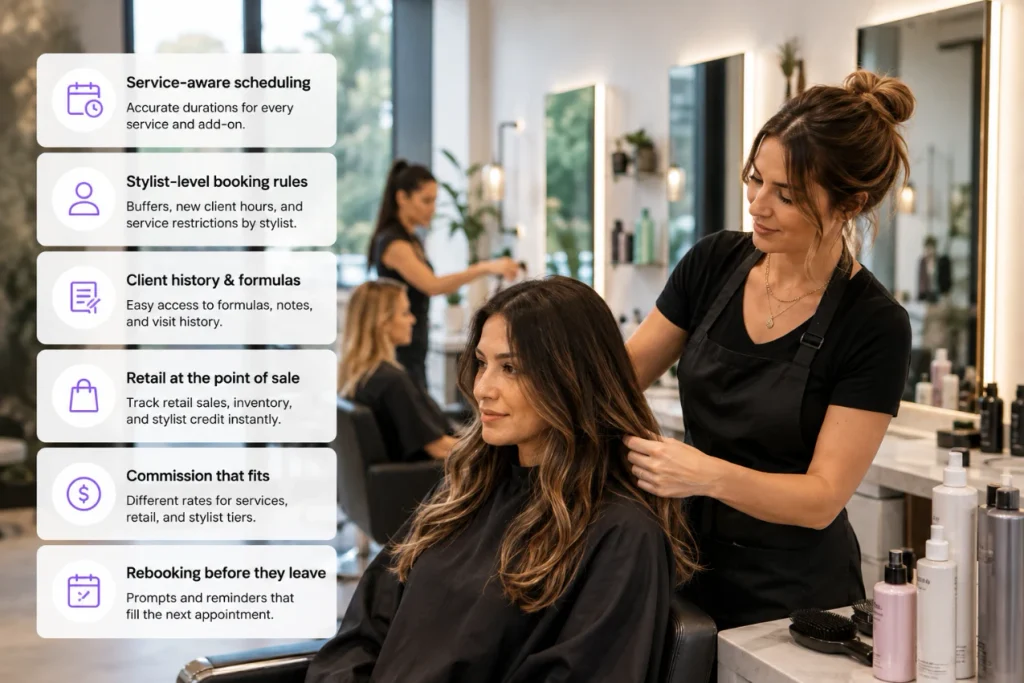
    What a Hair Salon Actually Needs From Its Software

    Here’s the honest list, based on how salons operate day to day, not how software vendors describe features.

    What a Hair Salon Actually Needs From Its Software

    Service-aware scheduling

    A haircut and a full head of highlights aren’t the same appointment. The system needs to know that, automatically, based on the service booked.

    Stylist-level booking rules

    Some stylists want back-to-back bookings. Others need buffer time between clients. Some only see new guests during specific hours. Booking rules should live at the stylist level, not just the salon level.

    Client formula and history notes

    A colorist needs to see last visit’s formula, processing time, and any reaction notes before the client sits down. That history should be attached to the client record permanently, not written on an index card.

    Retail tracked at the point of sale

    Shampoo, styling product, and tools sold at checkout should count toward commission and inventory the moment they’re rung up.

    Commission that matches how you actually pay

    Many salons pay different commission rates for services versus retail, and different rates by stylist tier. The payroll math needs to reflect that without a manager recalculating it by hand.

    Rebooking that happens before the client leaves

    The single biggest lever for salon revenue is getting the next appointment on the books before someone walks out the door.

    How PandaCue Handles Hair Salon Scheduling

    PandaCue lets you set service durations by type, so a root touch-up and a full color correction don’t get squeezed into the same slot by accident.

    Each stylist’s calendar can carry its own rules for buffer time, new client hours, and which services they’re qualified to book, so the calendar protects their time instead of just filling it.

    How PandaCue Handles Hair Salon Scheduling

    Online booking mirrors those same rules. A client booking a keratin treatment online sees realistic availability based on how long that service actually takes at your salon, not a generic 30-minute default.

    That alone cuts down on the “sorry, we need to reschedule you” calls that eat into a front desk’s morning.

    For color-heavy salons, client notes and formula history sit right on the appointment, so a stylist opens the day’s schedule and already knows what’s coming, no digging through paper files or texting the previous stylist.

    Connecting the Chair to the Retail Counter

    Retail is often the most under-tracked part of a hair salon’s revenue.

    A client buys a bottle of purple shampoo on their way out, it gets rung up quickly, and by the end of the month nobody can say which stylist recommended it or how much retail actually contributed to the shop’s total sales.

    Connecting the Chair to the Retail Counter

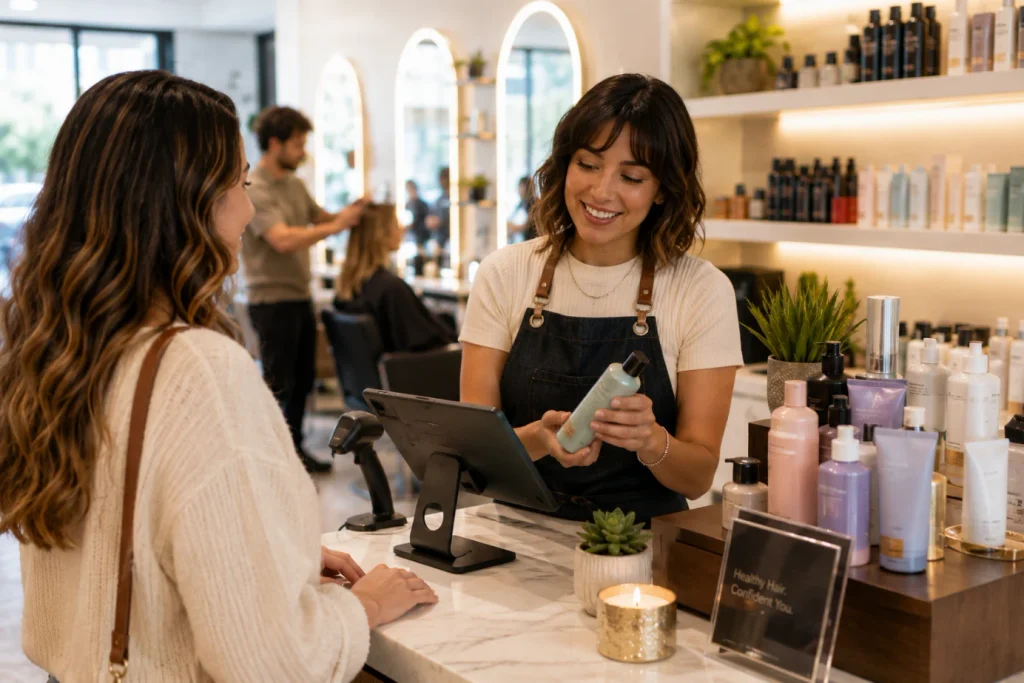
    PandaCue’s point of sale ties retail purchases to the appointment and the stylist who’s credited with the sale.

    That means retail commission calculates itself, and you get a real picture of which stylists are driving product sales, not just service revenue.

    Managers can see that picture without pulling a separate retail report and cross-referencing it against the appointment book.

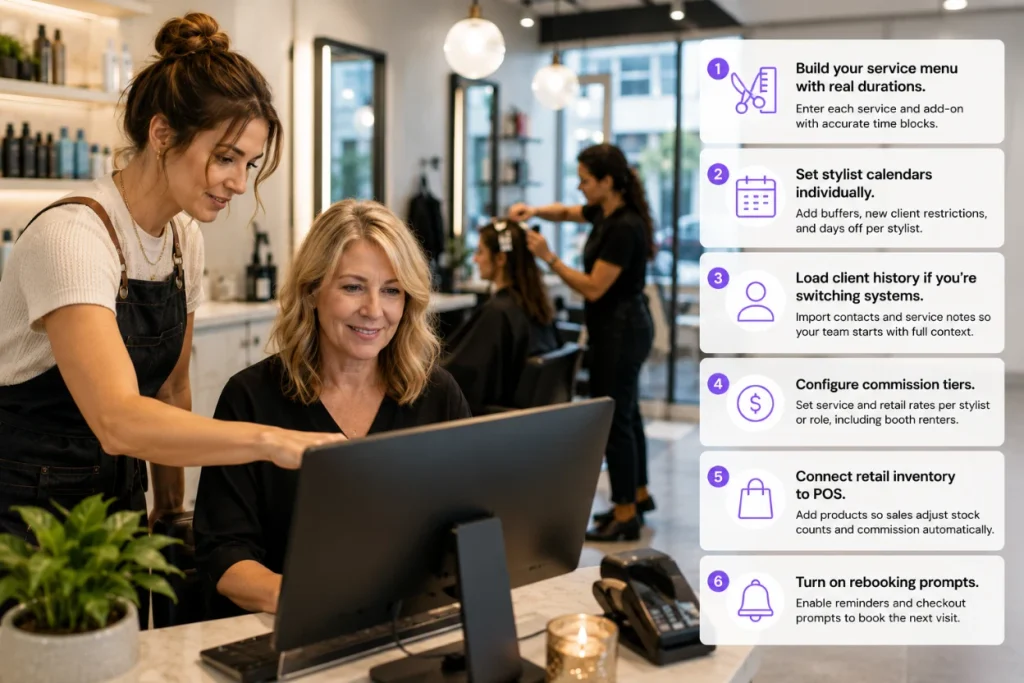
    Setting Up a Hair Salon in PandaCue: A Practical Walkthrough

    Setting Up a Hair Salon in PandaCue A Practical Walkthrough
    1. Build your service menu with real durations. Enter each service, including add-ons like toner or gloss, with accurate time blocks. This is the single most important setup step, since everything downstream depends on it.
    2. Set stylist calendars individually. Add booking buffers, new client restrictions, and days off per stylist rather than applying one blanket schedule.
    3. Load client history if you’re switching systems. Import existing client contact info and, where possible, prior service notes so your team isn’t starting from zero on day one.
    4. Configure commission tiers. Set service and retail commission rates per stylist or per role, including any booth renter arrangements.
    5. Connect retail inventory to POS. Add your retail products so sales at checkout automatically adjust stock counts and commission.
    6. Turn on rebooking prompts. Enable automated reminders or checkout prompts that encourage the next booking before the client leaves.

    Common Gaps When Salons Switch Systems

    Salons moving off paper books or a basic app tend to skip the same two steps.

    First, they don’t set individual stylist booking rules, so the new system books everyone the same way the old one did, and the advantages of smarter scheduling never show up.

    Common Gaps When Salons Switch Systems

    Second, they don’t migrate client formula notes, which means colorists lose months of history overnight.

    Both are avoidable. Spend the extra hour during setup entering stylist-specific rules and importing whatever notes you have, even if they’re incomplete. It pays off within the first few weeks.

    FAQs

    Does PandaCue work for salons with booth renters and commissioned stylists on the same team?

    Yes. Booth renters can be tracked separately from commissioned staff, so rent, service revenue, and commission don’t get mixed together in reporting or payroll.

    Can each stylist have different appointment lengths for the same service?

    Yes. Service durations can be adjusted at the stylist level, which matters for salons where a senior colorist works faster than a newer team member on the same service.

    Will retail sales automatically show up in commission calculations?

    Yes, when retail is sold through PandaCue’s point of sale and tied to a stylist, it flows into commission and payroll without manual entry.

    Is client color and formula history kept for future visits?

    Yes. Notes attached to a client’s profile carry forward, so any stylist working with that client can see prior formulas and processing details.

    Can clients book online and choose their preferred stylist?

    Yes. Online booking reflects each stylist’s real schedule, including buffer time and new client restrictions, so availability shown online matches what’s actually open.

    How long does it take to set up a salon in PandaCue?

    Most single-location salons can complete setup, including service menus and stylist calendars, within a few days. Salons migrating detailed client history from another system may need extra time depending on how much data needs importing.

    Running a Tighter Salon Starts With Fewer Systems

    A hair salon doesn’t need more software. It needs one system that understands how a salon actually operates, from the chair to the retail shelf to the paycheck.

    When scheduling, retail, and payroll pull from the same source, your team spends less time reconciling numbers and more time with clients.

  • Salon Payroll Processing: Fix the Commission Chaos

    Salon Payroll Processing: Fix the Commission Chaos

    A hair stylist might earn commission on services, a different commission rate on retail, and keep 100% of their tips. A massage therapist down the hall might be on a flat hourly rate with a bonus for hitting rebooking targets.

    A front desk coordinator is hourly, full stop.

    Multiply that across ten, twenty, or fifty staff members, and you’ve got a payroll puzzle that regular payroll software wasn’t built to solve.

    Generic payroll tools handle hours and salaries fine.

    They don’t know what a service ticket is, what got upsold, or which stylist closed the sale.

    How PandaCue Handles It

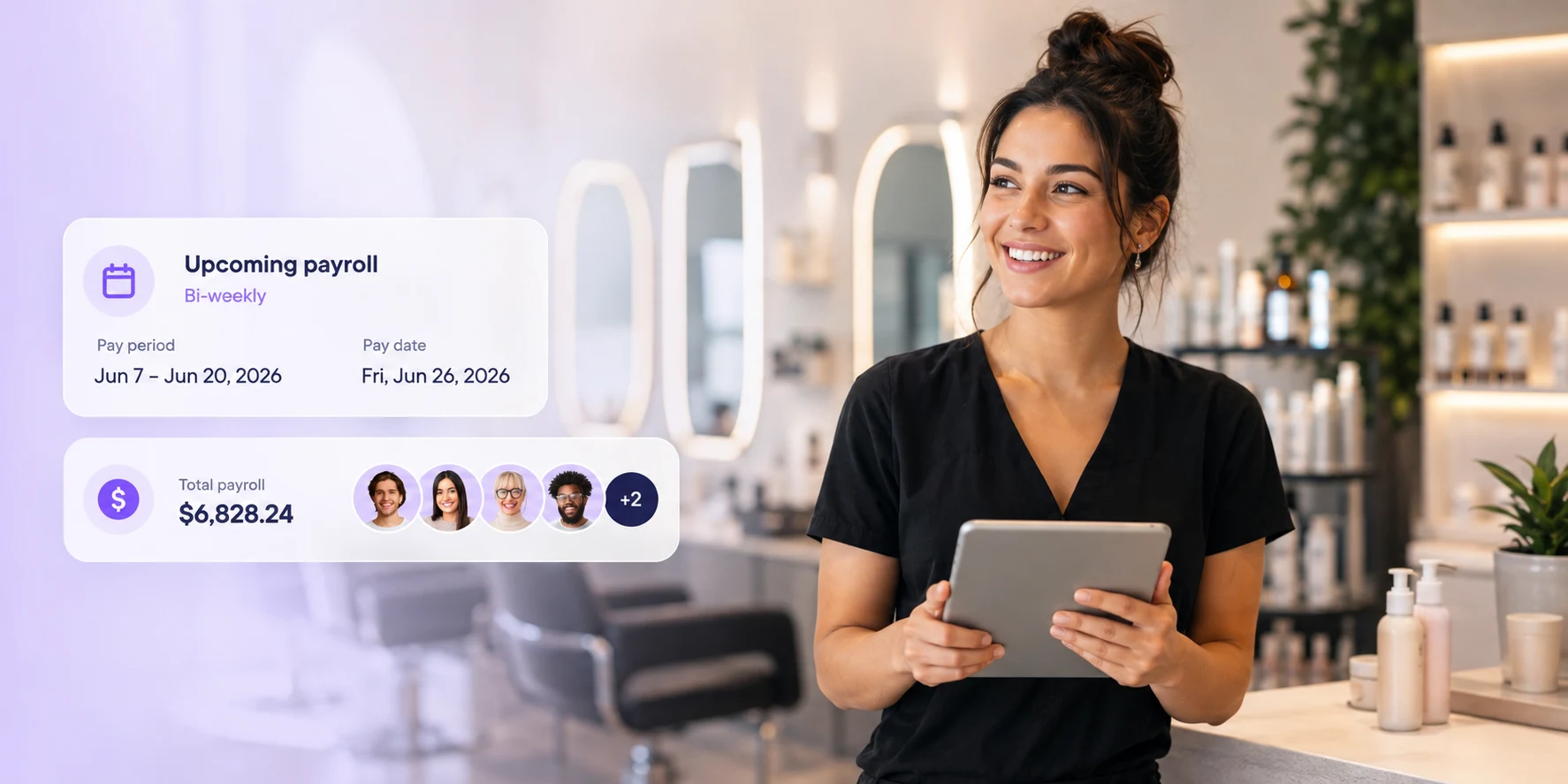
    PandaCue connects payroll directly to the appointments and sales that actually happen in your clinic.

    How PandaCue Handles payrolls for salon and spa

    When a service gets completed and a ticket closes at the front desk, that transaction already carries the data payroll needs: who performed the service, what it sold for, what products were attached, and what commission rule applies to that staff member.

    Here’s what that means in practice:

    • Commission on services and retail calculates automatically, using the rate you’ve set per employee or per role
    • Tips recorded through your POS get attributed to the right staff member without manual entry
    • Hourly staff pay is pulled from actual clocked hours, not estimated shifts
    • Bonuses tied to rebooking, membership sales, or package sales can be layered in

    Because the numbers come from real transactions instead of someone’s memory of the week, there’s a lot less back-and-forth at pay time.

    Your front desk manager isn’t chasing down “wait, who actually did that highlight service on Tuesday.”

    Common Payroll Mistakes Salons Make

    Common Payroll Mistakes Salons Make

    Paying commission on the pre-discount price

    If a service gets discounted and the stylist still gets commission on the full price, you’re quietly losing money every time a coupon or promo runs. Commission should calculate off what the client actually paid.

    Losing tips between the POS and the paycheck

    A lot of salons still track tips on paper or in a separate app, then manually copy them into payroll. That’s where errors creep in, and it’s the fastest way to erode staff trust.

    Treating every service the same for commission purposes

    New service lines, add-ons, or membership-included services often need different commission logic. If your payroll setup doesn’t allow for that, someone ends up adjusting numbers by hand every cycle.

    Not accounting for product commission separately from service commission

    Retail sales usually carry a different rate than services. Lumping them together either overpays or underpays your team.

    Setting Up Payroll Rules in PandaCue

    Setting Up Payroll Rules in PandaCue
    1. Define pay structures by role. Set hourly, commission, or hybrid pay for each position, not just each person, so new hires slot in fast.
    2. Set commission tiers if you use them. Some clinics reward higher commission once a stylist crosses a monthly sales threshold. PandaCue lets you build that in once and let it run.
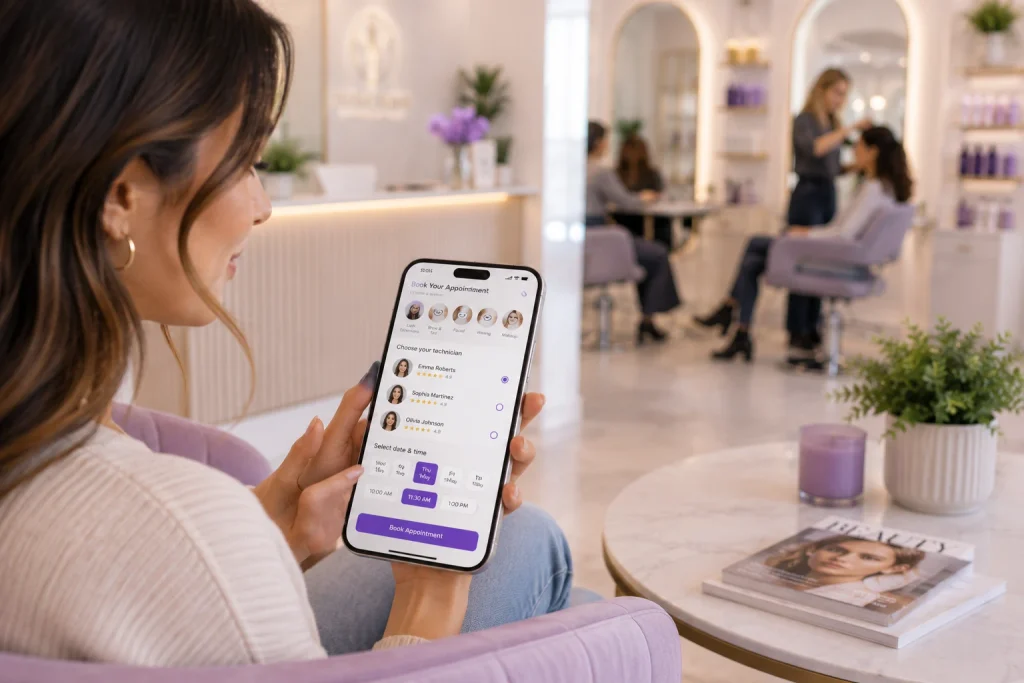
    3. Connect tip tracking to your POS. Once it’s linked, tips flow into payroll without anyone re-entering numbers.
    4. Review before you run. Payroll summaries show projected pay per employee before you finalize, so you can catch anything unusual before it hits a paycheck.

    5. Export or sync with your provider. PandaCue prepares the payroll data in a format your existing payroll or accounting system can use.

    A day spa with a mixed team of estheticians on commission and front desk staff on hourly pay is a good example of where this matters.

    Without automated tracking, someone has to manually reconcile two different pay logics every two weeks.

    With payroll data flowing from actual appointments and sales, that reconciliation work mostly disappears, and the owner spends that time on the floor instead of in a spreadsheet.

    Payroll accuracy also affects staff retention more than most owners expect.

    When commission and tips are calculated the same way, every time, without disputes, your team trusts the numbers.

    When they’re not, you get pay-day conversations that damage morale.

    FAQs

    Does PandaCue calculate commission automatically?

    Yes. Commission rates are set per staff member or role, and PandaCue applies them automatically based on completed services and retail sales, using the actual sale price.

    Can PandaCue handle both hourly and commission-based staff?

    Yes. You can run hourly, commission, and hybrid pay structures side by side, since most salons and spas have a mix of both.

    Does PandaCue replace my payroll provider?

    No. PandaCue calculates and organizes the pay data. You still run payroll through your existing provider; PandaCue just removes the manual reconciliation step.

    How are tips handled?

    Tips recorded at checkout through the POS are attributed to the staff member automatically, so they don’t need to be tracked separately.

    Can I set different commission rates for services versus retail?

    Yes. Service and retail commission are configured separately, so you’re never applying one flat rate where two different rates should apply.

    What if a service is discounted?

    Commission calculates off the actual amount the client paid, not the list price, so discounts and promotions don’t distort payout.

    Final Words

    Payroll is one of those things that’s invisible when it works and disruptive when it doesn’t.

    Getting it tied directly to your scheduling and point of sale data means fewer surprises for you and your team every pay period.

    If commissions and tips are still living in a separate spreadsheet, it’s worth looking at what connecting them directly would save you each month.